

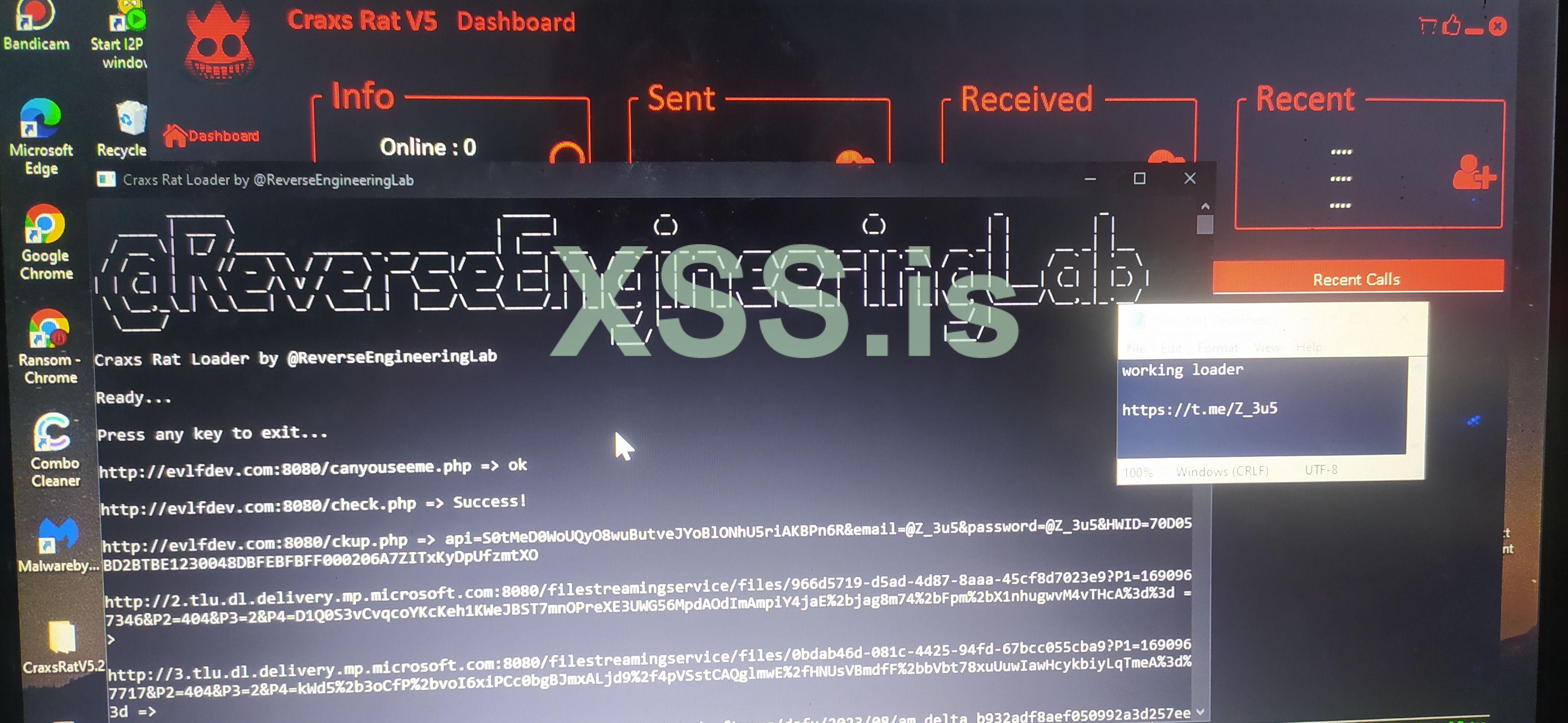
This time I am sharing the Craxsrat v4.9 - v5.1 Loader Tool, When Running Craxsrat a "Not Connected" Message Appears That's Because The Files In The Evlfdev.com Database Have Been Changed By The Developers, The Way To Solve It Is Very Easy, Follow These Methods:
- Open Craxsrat v5.1, Wait Until the Login Page Appears
- And open the file loader, if a ready message appears, immediately click on Craxsrat login, it will automatically enter the dashboard panel page, like this.
Download Craxsrat And Loader On the Telegram Channel:
CraxsRat + Loader
Virustotal Scan Loader:
Virustotal
Note : ( Use RDP or VM )
- Open Craxsrat v5.1, Wait Until the Login Page Appears
- And open the file loader, if a ready message appears, immediately click on Craxsrat login, it will automatically enter the dashboard panel page, like this.
Download Craxsrat And Loader On the Telegram Channel:
CraxsRat + Loader
Virustotal Scan Loader:
Virustotal
Note : ( Use RDP or VM )

