

sup, here to make some friends that shares my interests, as my first post I'd like to discuss working with packed binaries, I'm open to discuss the best approaches on such matter, so let's start.
as y'all know packed binaries are mostly used by enterprise software to protect them from reversing / patching, obfuscating the original code & anti debugging
but at the end of the day the final instructions will end on memory, so my usual approach is running the packed program on a VM then dumping the entire ram of that VM when the program gets executed, then analyze the dumped file using volatility to extract the final asm code of the specific process.
first u wanna make sure to start your virtualbox vm with debugging option:
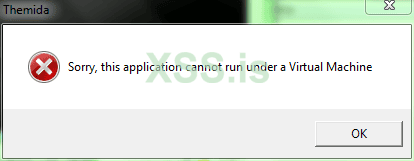
you'll notice that whenever u try to execute the program on the VM themida will stop the program with an error message looking like this:
I should note that I'm using virtualbox for the case of simplicity, there's a work around this so the program cannot detect it is a virtual machine by modifying the following paths in the windows registry:
remember to backup the original keys.
you're gonna look up for
and delete all the value that looks similar to this:
then you're gonna find the following:
here rename
to something else, and restore it's name when you're done to avoid messing up the VM
after that the program seems to run fine:
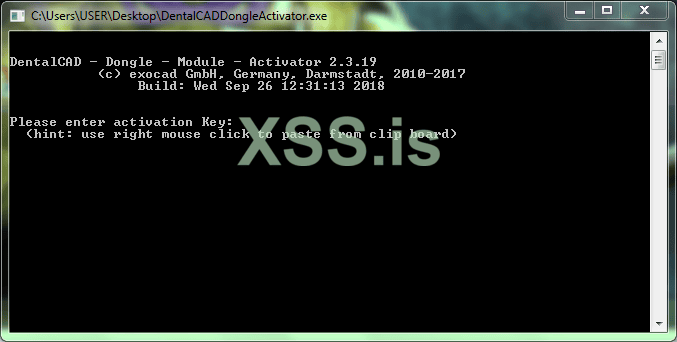
once the program is currently running you're gonna navigate to the top bar of your VM & click on the Debug button, you'll get something similar to this window:
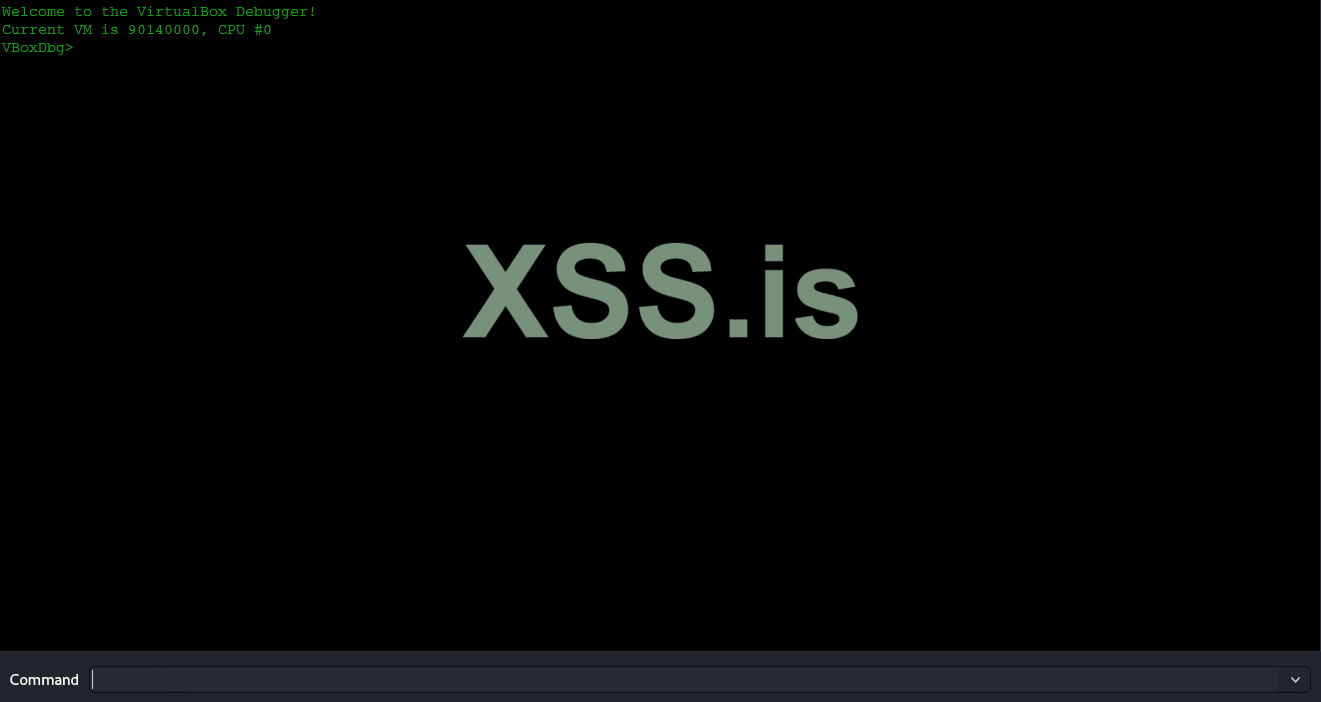
the next step is dumping the entire RAM of the VM while the program is running using the following cmd:
it will dump the entire VM memory to the filename chosen.
so now we have the memory we can use volatility to extract code from a specific process from the dumped memory we've obtained to analyze it & make a keygen.
another approach would be, like reconstructing the PE as we have the extracted code.
I'd like to see your suggestions & your ways of approaching such situation.
as y'all know packed binaries are mostly used by enterprise software to protect them from reversing / patching, obfuscating the original code & anti debugging
but at the end of the day the final instructions will end on memory, so my usual approach is running the packed program on a VM then dumping the entire ram of that VM when the program gets executed, then analyze the dumped file using volatility to extract the final asm code of the specific process.
first u wanna make sure to start your virtualbox vm with debugging option:
Код:
vboxmanage --startvm "VM Name" --dbgyou'll notice that whenever u try to execute the program on the VM themida will stop the program with an error message looking like this:
I should note that I'm using virtualbox for the case of simplicity, there's a work around this so the program cannot detect it is a virtual machine by modifying the following paths in the windows registry:
remember to backup the original keys.
Код:
HKEY_LOCAL_MACHINE\HARDWARE\DESCRIPTION\Systemyou're gonna look up for
Код:
VideoBiosVersion
Код:
Oracle VM VirtualBox Version 6.0.13 VGA BIOS
Oracle VM VirtualBox Version 6.0.13 VGA BIOS
Oracle VM VirtualBox Version 6.0.13
Oracle VM VirtualBox Version 6.0.13
then you're gonna find the following:
Код:
HKEY_LOCAL_MACHINE\HARDWARE\ACPI\DSDT\VBOX__\VBOXBIOShere rename
Код:
VBOXBIOSafter that the program seems to run fine:
once the program is currently running you're gonna navigate to the top bar of your VM & click on the Debug button, you'll get something similar to this window:
the next step is dumping the entire RAM of the VM while the program is running using the following cmd:
Код:
.pgmphystofile 'dump.bin'it will dump the entire VM memory to the filename chosen.
so now we have the memory we can use volatility to extract code from a specific process from the dumped memory we've obtained to analyze it & make a keygen.
another approach would be, like reconstructing the PE as we have the extracted code.
I'd like to see your suggestions & your ways of approaching such situation.