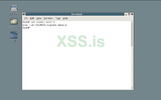
Установил FreeBSD, осталась настройка, как установить пакеты чтобы появился рабочий стол? (Именно 6 версия нужна) pkg_add когда пишу и xfce например то он отвечает No match, что делать и как установить?
FreeBSD version 6.0 нужна помощь
- Автор темы Fltyxy
- Дата начала

1. Поищи по пакетам, возможно оно называется иначе (типо xfce4)
2. Если есть в портах, то можно попробовать поставить оттуда
2. Если есть в портах, то можно попробовать поставить оттуда

Пожалуйста, обратите внимание, что пользователь заблокирован
Так то FreeBSD серверная ОС и у ней нет рабочего стола. Если хочешь FreeBSD с рабочим столом посмотри на DesktopBSD и DragonFlyBSD
Ну или вот по ману делай.
Ну или вот по ману делай.
weaver FreeBSD works very well as desktop "actually", I mean at least version 9+, But I cant see a good reason to not install the last release 13.1. For a minimal GUI environment I recomment to install Wayland and Sway(i3wm clone fro Wayland). In regard to this topic the Handbook have an entire section.
 docs.freebsd.org
Chapter 8. Desktop Environments
This chapter demonstrates how to install numerous desktop environments, including web browsers, productivity software, document viewers, and financial software
docs.freebsd.org

шта ?Так то FreeBSD серверная ОС и у ней нет рабочего стола.
все там есть.
синтаксис пакетного манагера был изменен лет так 5 назад, add ископаемоеpkg_add
для начала определиться откуда ставить: собрать под себя из исходников или из портов быстро поставить
если из портов (pkg install ) то очевидно порты еще прописать нужно и обновить
потом поставить иксы https://docs.freebsd.org/en/books/handbook/x11/
а уж потом всяких крыс ставить https://docs.freebsd.org/en/books/handbook/desktop/
- Автор темы
- Добавить закладку
- #6
Спасибо всем, если будут проблемы вам отпишу
- Автор темы
- Добавить закладку
- #7
Так, вроде через команду cd установил иксы, но одна проблемка осталось, пытаюсь пакеты установить, а в любом случае выдаёт ошибку, через cd по мануалу нормально установилось, но что мне устанавливать и как дальше?Так то FreeBSD серверная ОС и у ней нет рабочего стола. Если хочешь FreeBSD с рабочим столом посмотри на DesktopBSD и DragonFlyBSD
Ну или вот по ману делай.

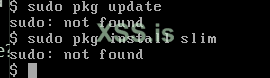
Instead of pkg_add try to use pkg as follows:
Код:
sudo pkg update
sudo pkg install slim- Автор темы
- Добавить закладку
- #9
Instead of pkg_add try to use pkg as follows:
Код:sudo pkg update sudo pkg install slim
- Автор темы
- Добавить закладку
- #10
c pkg_add тоже не работает вроде писал так pkg_add uptade
Can you post the output of "uname -a"?c pkg_add тоже не работает вроде писал так pkg_add uptade
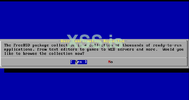
Hey friend I got it working, you have gnome and also KDE packages in the FreeBSD 6.0 cds (isos from official website). During the installation using cd1 you will need to select gnome packer, it will ask you to change to cd2, then you just need to install it. After having all installed, you will need to create a .xinitrc file in the home of your user, pointing to gnome-session, you can do this with this command
After this you will need to start gnome with the following command
Let me know if you have some problem.
Код:
echo `which gnome-session` > .xinitrcAfter this you will need to start gnome with the following command
Код:
startxLet me know if you have some problem.
Вложения
- Автор темы
- Добавить закладку
- #13
Thank you very much, I guess I have to reinstall the system and select somewhere in the menu gnome packer?Hey friend I got it working, you have gnome and also KDE packages in the FreeBSD 6.0 cds (isos from official website). During the installation using cd1 you will need to select gnome packer, it will ask you to change to cd2, then you just need to install it. After having all installed, you will need to create a .xinitrc file in the home of your user, pointing to gnome-session, you can do this with this command
Код:echo `which gnome-session` > .xinitrc
After this you will need to start gnome with the following command
Код:startx
Let me know if you have some problem.
You can install packages from CD without reinstalling, but It will be far more easy to perform a reinstall. Select gnome2 and X server and you should be fine.Thank you very much, I guess I have to reinstall the system and select somewhere in the menu gnome packer?
- Автор темы
- Добавить закладку
- #15
Thank you, you were able to explain better than the administrators on the freeBSD forum
YOur welcome, I did not explained it better (with step by step) because Im somekind busy, I hope you got it working too.Thank you, you were able to explain better than the administrators on the freeBSD forum
- Автор темы
- Добавить закладку
- #17
YOur welcome, I did not explained it better (with step by step) because Im somekind busy, I hope you got it working too.
Hey friend I got it working, you have gnome and also KDE packages in the FreeBSD 6.0 cds (isos from official website). During the installation using cd1 you will need to select gnome packer, it will ask you to change to cd2, then you just need to install it. After having all installed, you will need to create a .xinitrc file in the home of your user, pointing to gnome-session, you can do this with this command
Код:echo `which gnome-session` > .xinitrc
After this you will need to start gnome with the following command
Код:startx
Let me know if you have some problem.
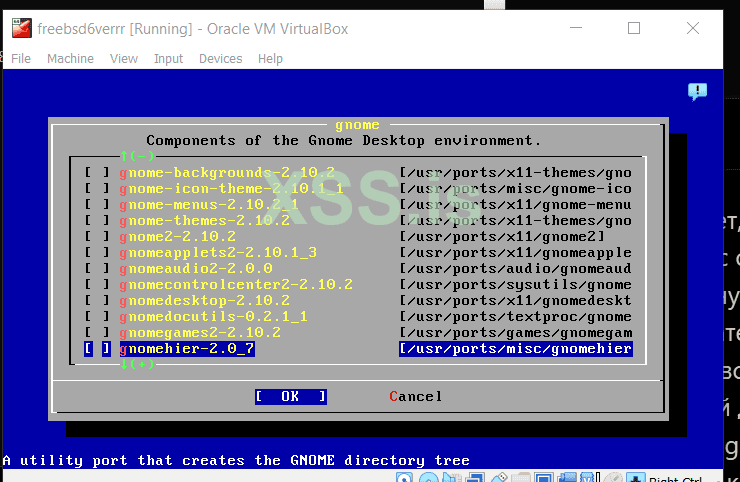
which gnome package to choose here?
gnome2-2.10.2 , it will select almost all other ones as dependencies.
- Автор темы
- Добавить закладку
- #19
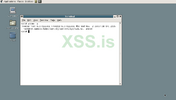
Unfortunately this window opens, that's enough for today, tomorrow we will try to solve this problemgnome2-2.10.2 , it will select almost all other ones as dependencies.
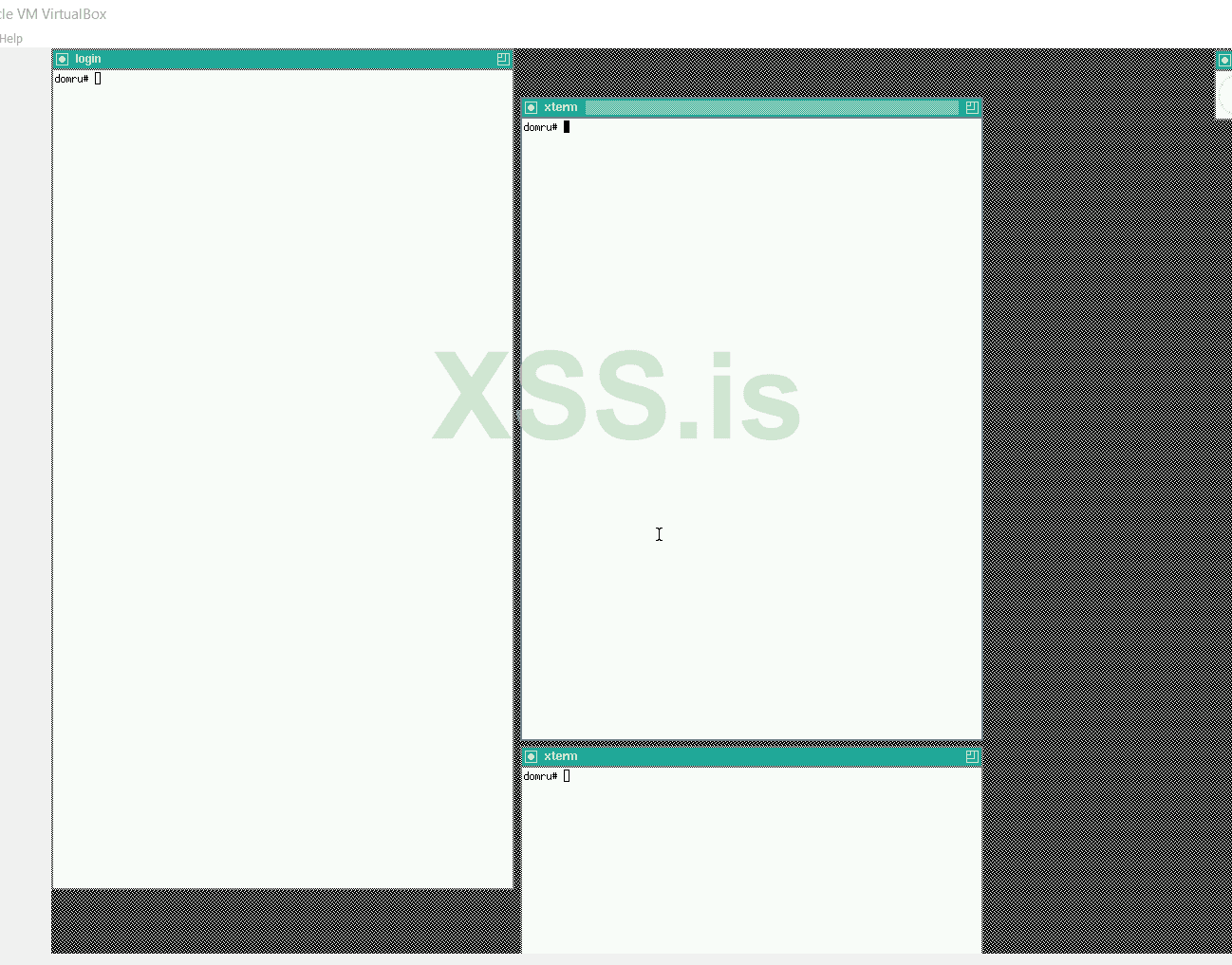
Its almost ready, you just need to fix your .xinitrc file, It should have the same line as here, do this, close those windows and issue startx command again.Unfortunately this window opens, that's enough for today, tomorrow we will try to solve this problem
Посмотреть вложение 51720