

Пожалуйста, обратите внимание, что пользователь заблокирован
Download: https://bayfiles.com/h2E552Xey8/PTAi-4.2.1-Pwn3rzs_7z
Password: Pwn3rzs
For more follow us at t.me/Pwn3rzs or cyberarsenal.org
Positive Technologies Application Inspector is the only source code analyzer providing high-quality analysis and convenient tools to automatically confirm vulnerabilities — significantly speeding up the work with reports and simplifying teamwork between security specialists and developers.
Setup:
Install docker:
Time to install PT Ai:
TIP:
Enjoy !
Screenshots:

Password: Pwn3rzs
For more follow us at t.me/Pwn3rzs or cyberarsenal.org
Positive Technologies Application Inspector is the only source code analyzer providing high-quality analysis and convenient tools to automatically confirm vulnerabilities — significantly speeding up the work with reports and simplifying teamwork between security specialists and developers.
Setup:
Install docker:
- sudo apt-get update
- sudo apt-get install ca-certificates curl gnupg lsb-release
- sudo mkdir -m 0755 -p /etc/apt/keyrings
- curl -fsSL https://download.docker.com/linux/debian/gpg | sudo gpg --dearmor -o /etc/apt/keyrings/docker.gpg
- echo "deb [arch=$(dpkg --print-architecture) signed-by=/etc/apt/keyrings/docker.gpg] https://download.docker.com/linux/debian $(lsb_release -cs) stable" | sudo tee /etc/apt/sources.list.d/docker.list > /dev/null
- sudo apt-get update
- Please note that i used a Debian 11 image, the name of the package could be different, but version the same
- sudo apt-get install docker-ce=5:20.10.23~3-0~debian-bullseye docker-ce-cli=5:20.10.23~3-0~debian-bullseye containerd.io docker-buildx-plugin docker-compose-plugin
- sudo groupadd docker
- sudo usermod -aG docker $USER
- Now re-login or do:
- newgrp docker
Time to install PT Ai:
- sudo ./applicationinspector.4.2.1.18610.run
- Finish setup
- sudo /opt/ptai/latest/bin/ptaictl stop
- sudo mv images-latest.xz /opt/ptai/latest/images/
- sudo /opt/ptai/latest/bin/ptaictl start
- Now login at https://your.server.ip and login as root/root
TIP:
If you install the linux agent locally or in the same network, make sure to use the hostname as url, instead of the ip
Ex. https://server.home.net
Enjoy !
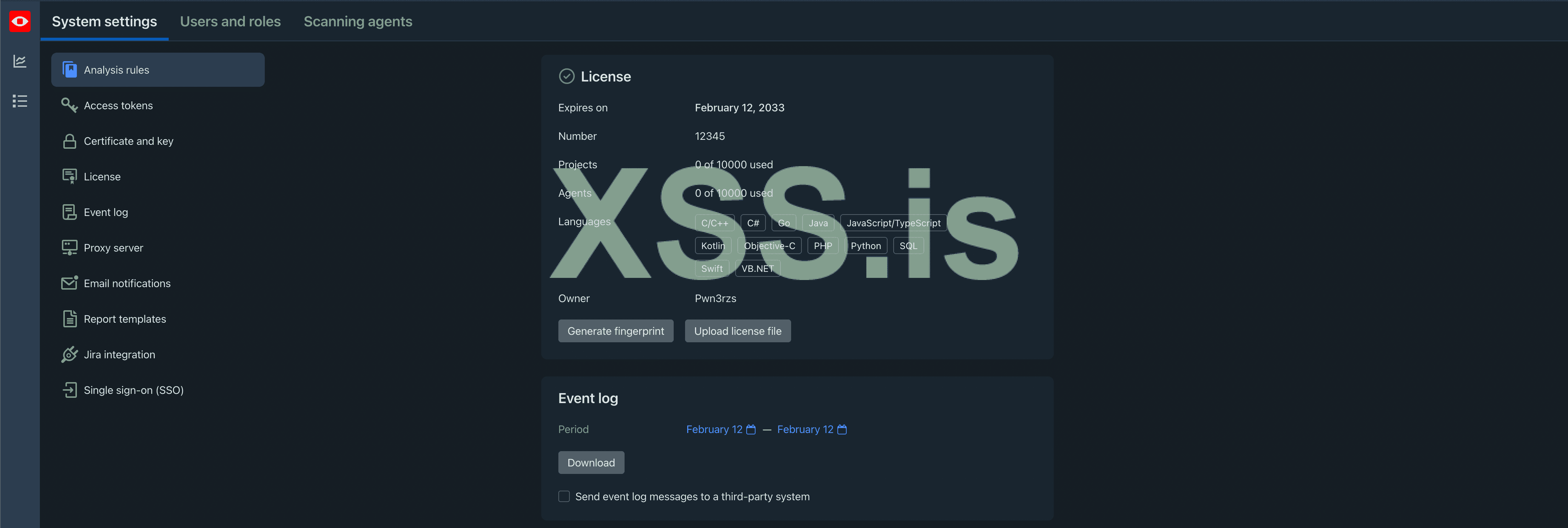
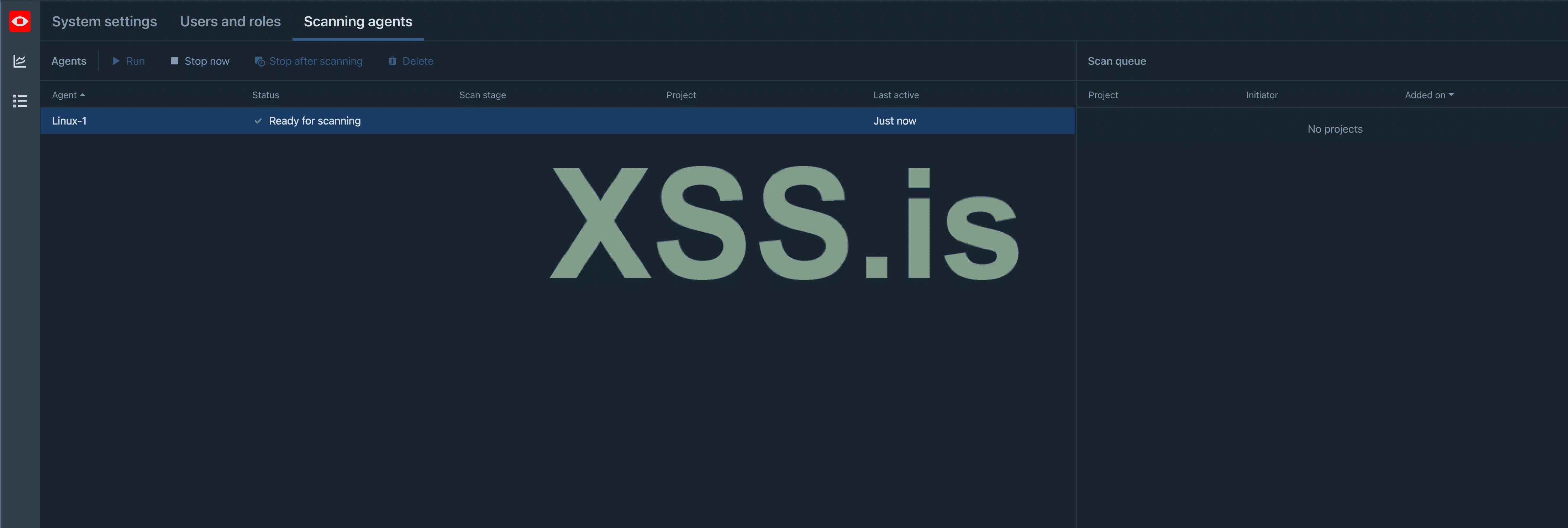
Screenshots: