Пожалуйста, обратите внимание, что пользователь заблокирован
Полезная информация | Helpful information
Привет всем, сегодня хочу поделится с вами обновлённой статьёй о бесплатном вирусе удалённого управления DcRat [Не DarkCrystal].
Hello everyone, today I want to share with you an updated article about the free remote control virus DcRat [Not DarkCrystal].
Данный вирус удалённого управления сочетает в себе смесь нескольких известных ратников а именно AsyncRAT, Quasar и ещё нескольких проектов.
This remote control virus combines a mixture of several well-known warriors, namely AsyncRAT, Quasar and several other projects.
Тестирование сервера проведено успешно на версиях windows 8.1, 10, 11. Тестирование payload проведено успешно на версиях windows 7, 8.1, 10, 11.
Server testing was carried out successfully on windows 8.1, 10, 11 versions. payload testing was carried out successfully on windows 7, 8.1, 10, 11 versions.
Из главных особенностей является | One of the main features is:
1)IP-порт сервера может быть получен с помощью pastebin.
The IP port of the server can be obtained using pastebin.
2)Поддержка нескольких портов.
Support for multiple ports.
3)Система плагинов реализованная через Dll, которая обладает сильной расширяемостью.
A plugin system implemented through a Dll, which has strong extensibility.
4)Супер крошечный размер клиента около 40~50 килобайт.
Super tiny client size is about 40~50 kilobytes.
5)Система логирования, записывающая все события.
A logging system that records all events.
Функционал | Functions
Remote shell, Remote desktop, Remote camera, Registry Editor, File management, Process management, Netstat, Remote recording, Process notification, Send file, Inject file, Download and Execute ,Send notification, Chat, Open website, Modify wallpaper, Keylogger, File lookup, DDOS, Ransomware, Disable Windows Defender, Disable UAC, Password recovery, Discord Recovery, Open CD, Lock screen, Client shutdown/restart/upgrade/uninstall, System shutdown/restart/logout, Bypass Uac, Get computer information, Thumbnails, Auto task, Mutex, Process protection, Block client, Install with schtasks, etc.
Установка | Setup
Есть 2 варианта установки для бедных людей которые не могу позволить себе сервер, и для людей у которых есть свой выделенный сервер.
There are 2 installation options for poor people who can't afford a server, and for people who have their own dedicated server.
Способ № 1 с сервером| Method #1 with the server
1)Скачиваем и распаковываем файлы с репозитория (кликабельно).
Download and unpack files from the repository (clickable).
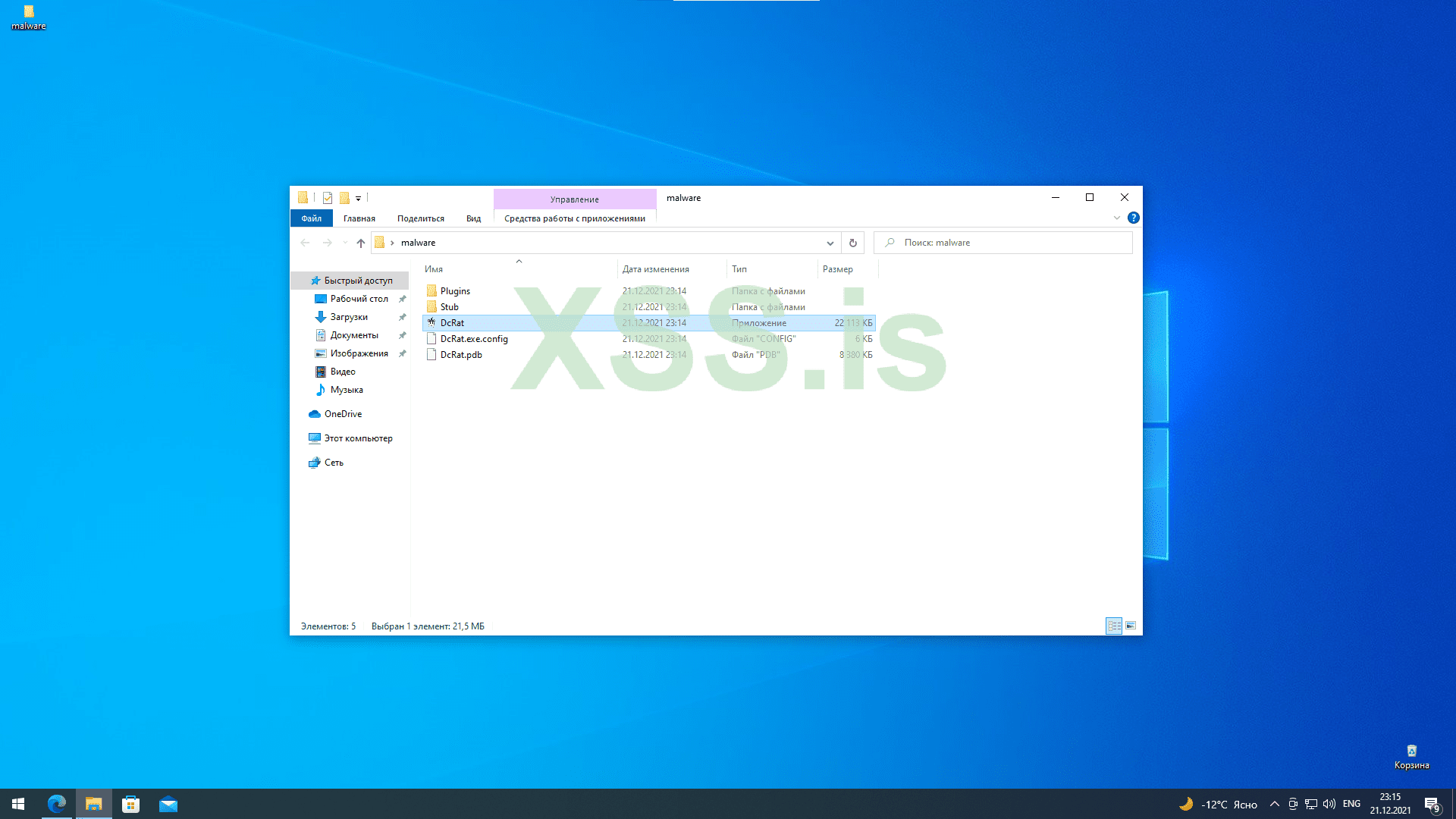
2)Запустим и создадим сертификат, чтобы в бедующем не потерять юзеров обязательно сохраните сертификат.
We will launch and create a certificate, so that in the future we will not lose users, be sure to save the certificate.
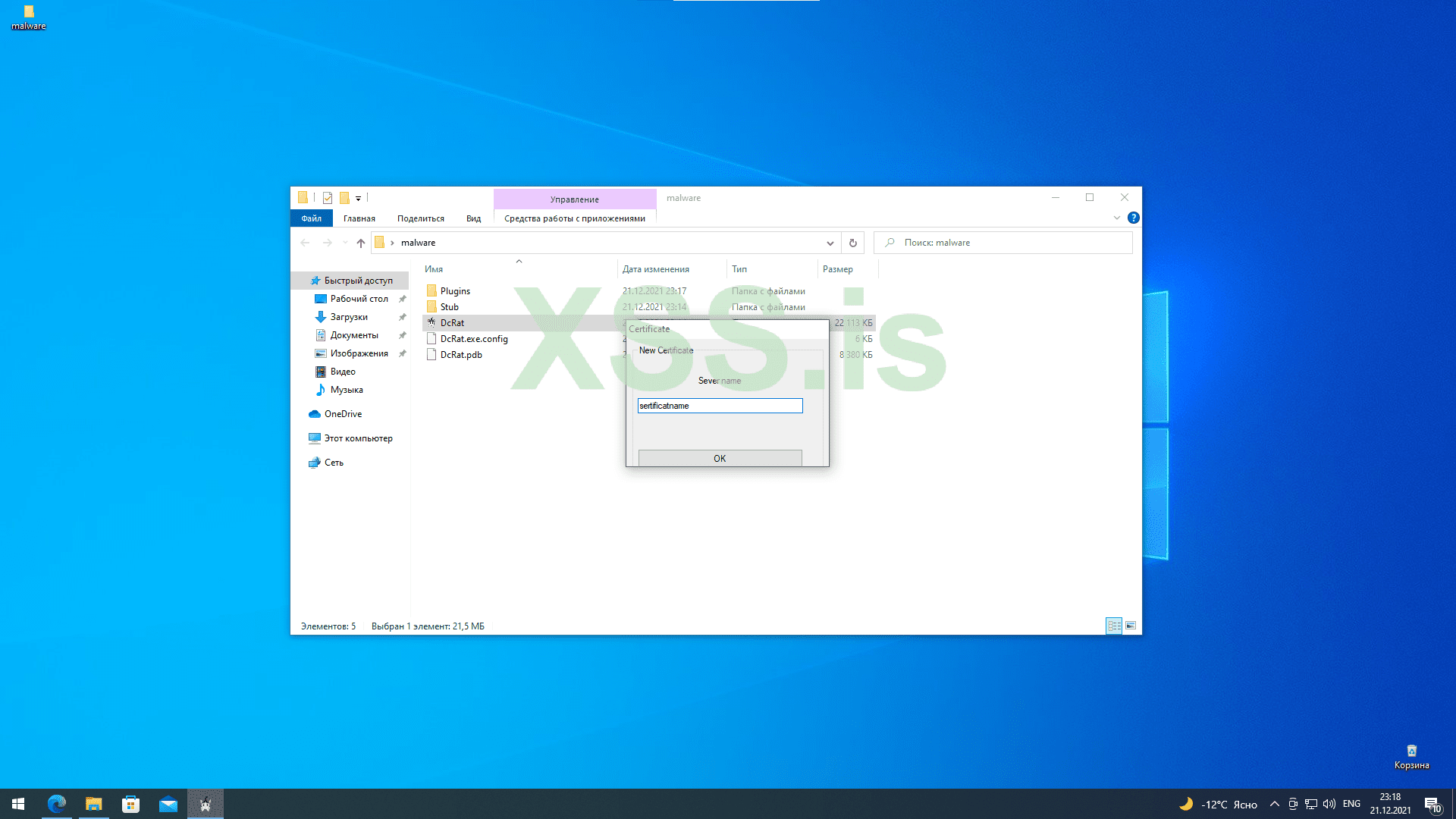
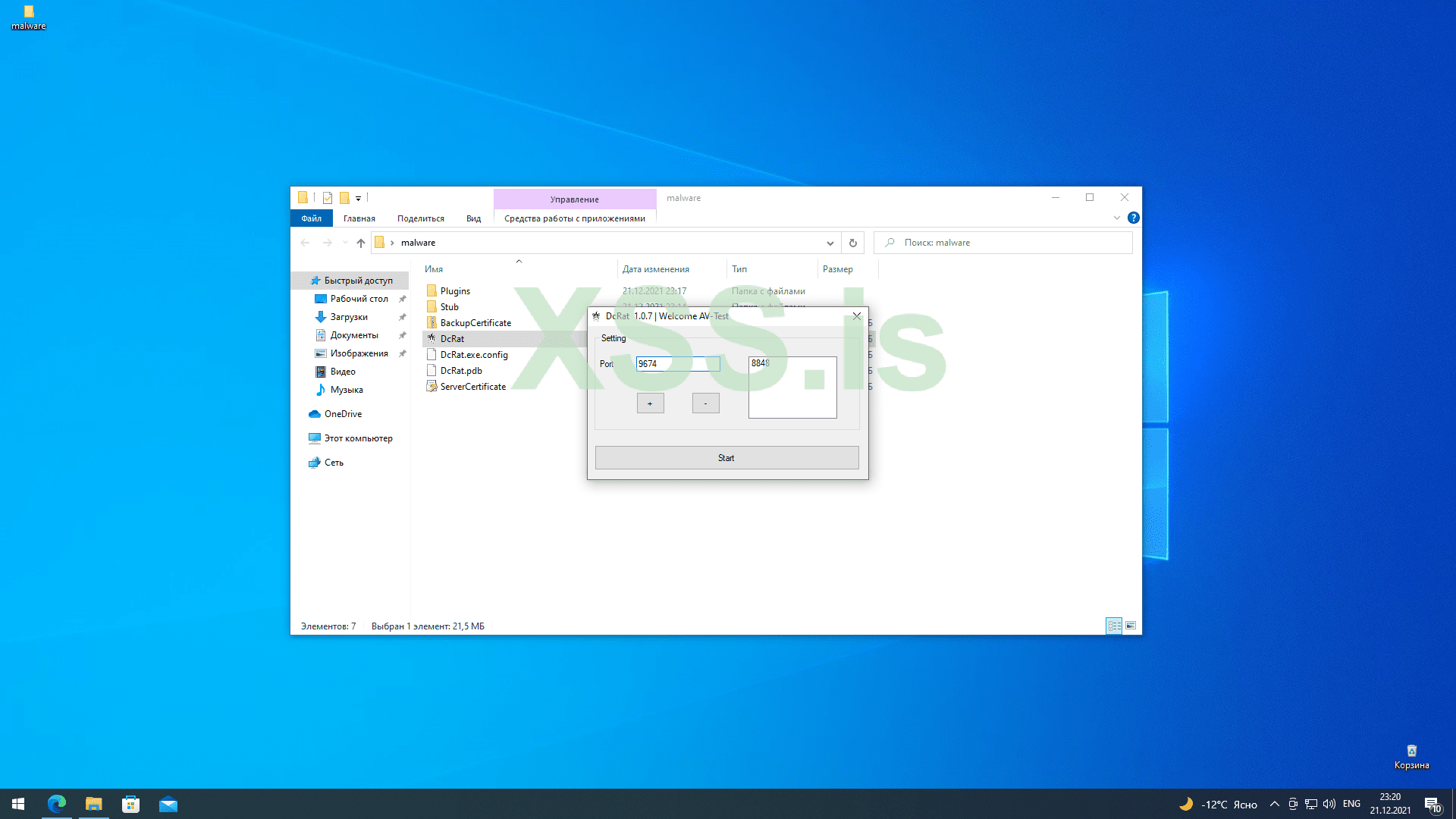
3)Добавим наш любой открытый незадействованный порт и запустим сервер.
Add our any open unused port and start the server.
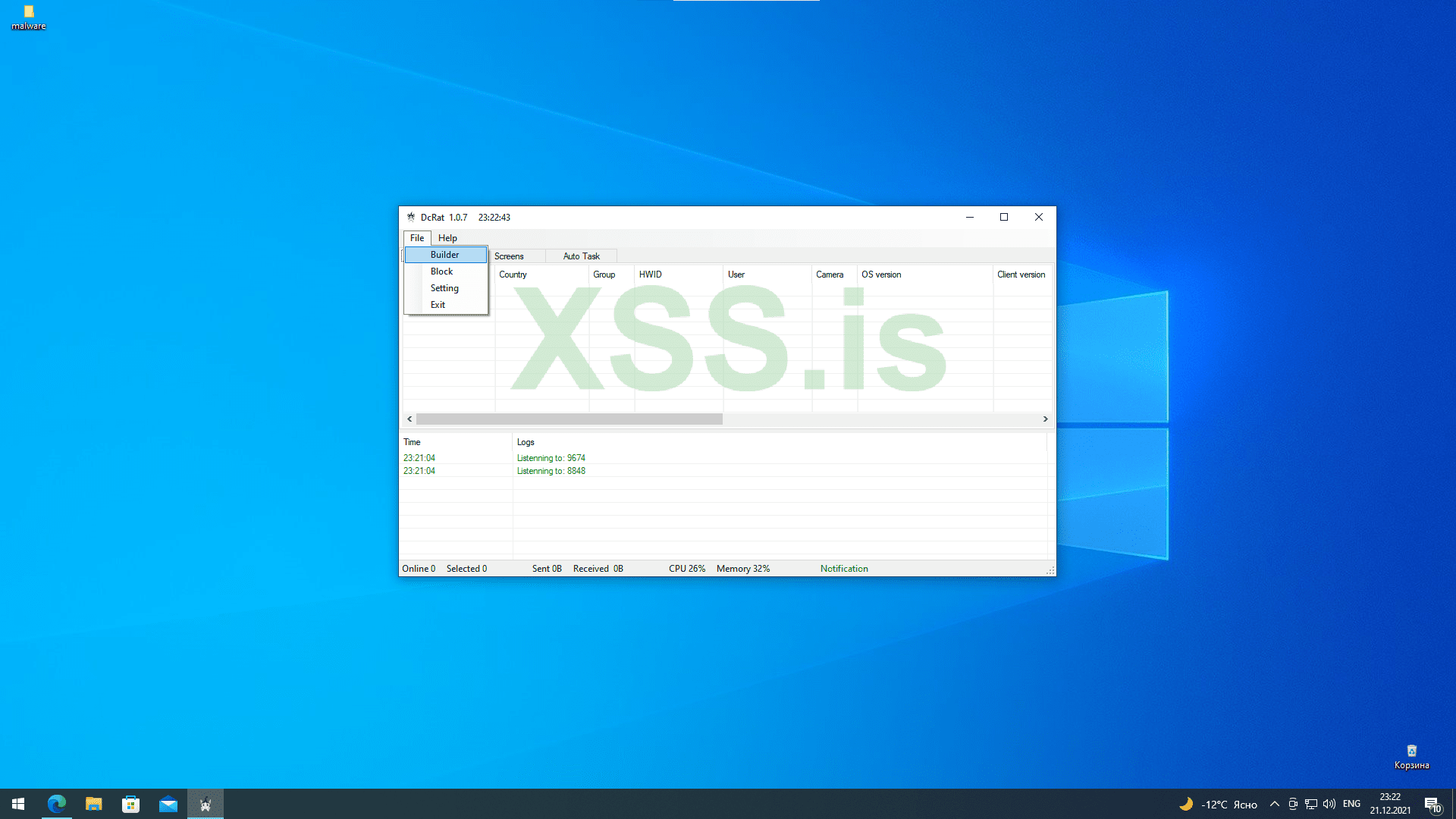
4)Чтобы сделать payload необходимо нажать на контекстное меню -> builder.
To make a payload, click on the context menu -> builder.
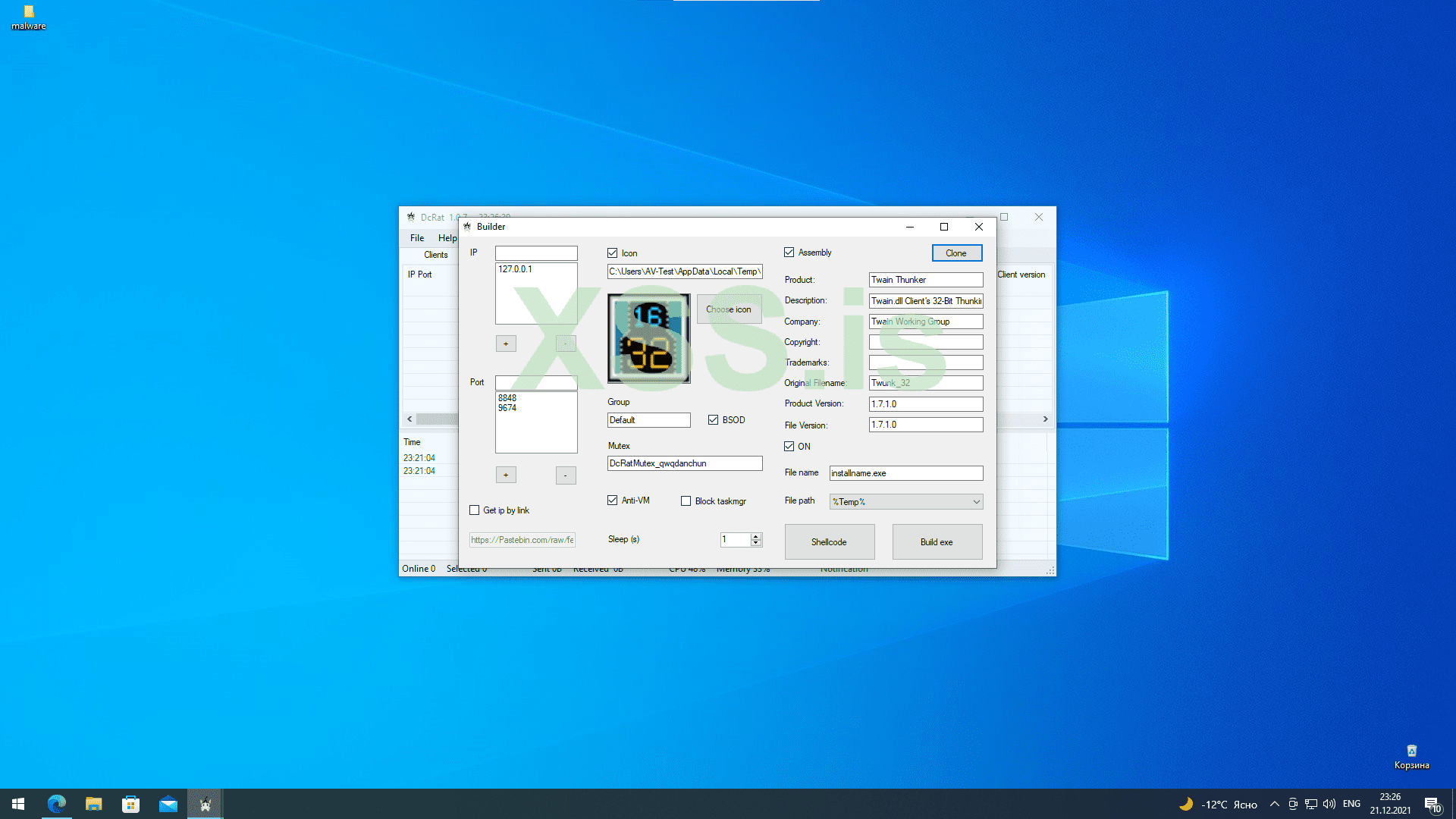
5) Прописать ip и порт сервера, а так же выбрать необходимые настройки анти виртуалка рабочая так что перед тем как писать и просить помощи убедись в этом.
Register the ip and port of the server, as well as select the necessary anti-virtual working settings, so before you write and ask for help, make sure of this.
6)Генерируем необходимый формат shellcode или exe.
Generate the required shellcode or exe format.
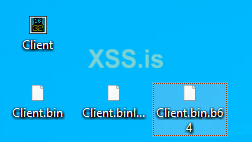
7)Криптуем и радуемся, из личного опыта если вы всё-таки умеете криптовать вам необходимо обфусцировать дополнительно библиотеки для того чтобы они не были обнаружены при пост эксплуатации.
We crypt and rejoice, from personal experience, if you still know how to cript, you need to obfuscate additional libraries so that they are not detected during post-operation.
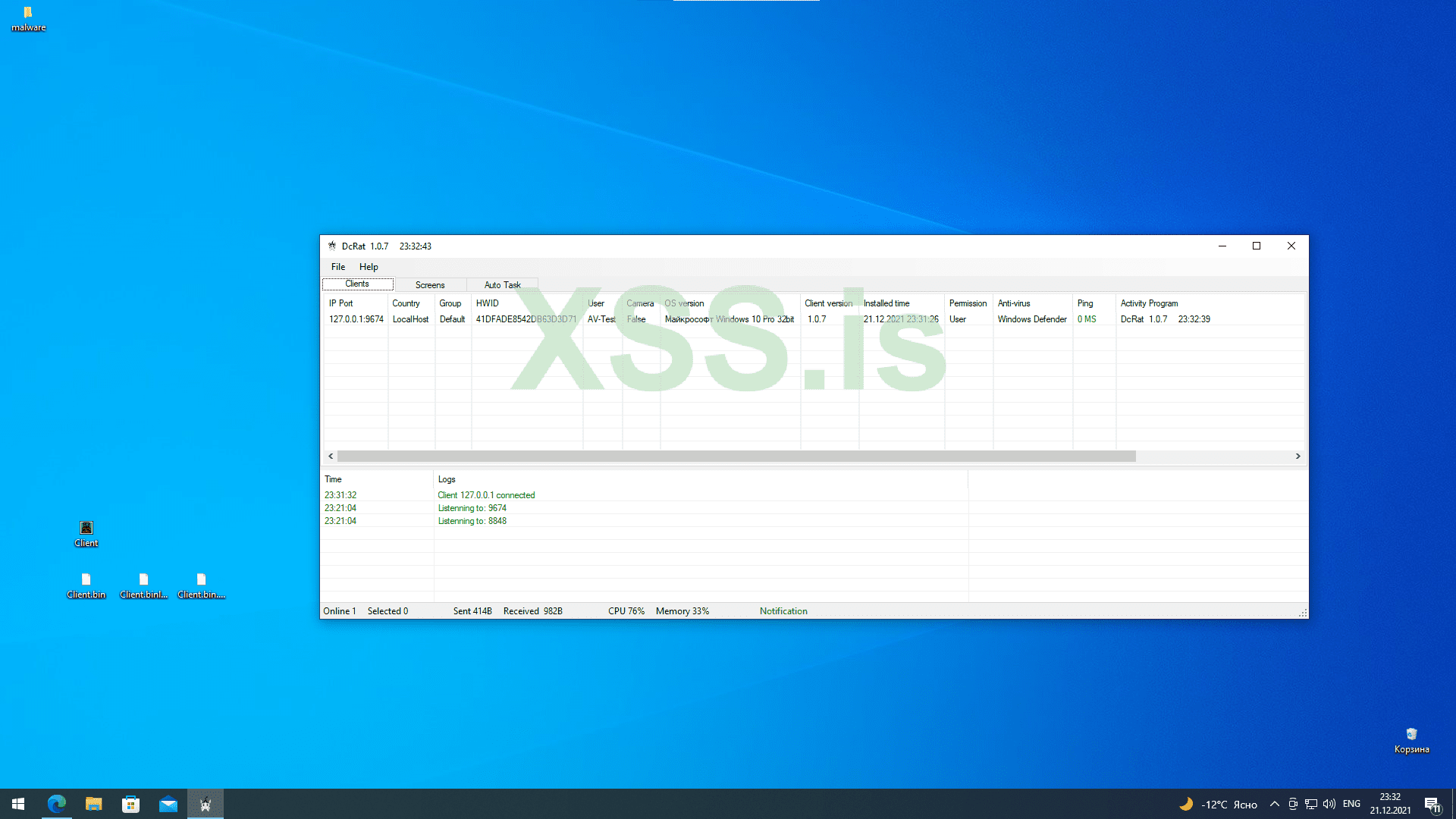
8) Если вы используете покупные сервера и боитесь потерять пользователей посмотрите способ для бедных
If you use purchased servers and are afraid of losing users, look at the way for the poor
Способ № 2 без сервера| Method #2 without a server
1)Регистрируем, скачиваем, настраиваем ngrok (кликабельно).
Register, download, configure ngrok (clickable).
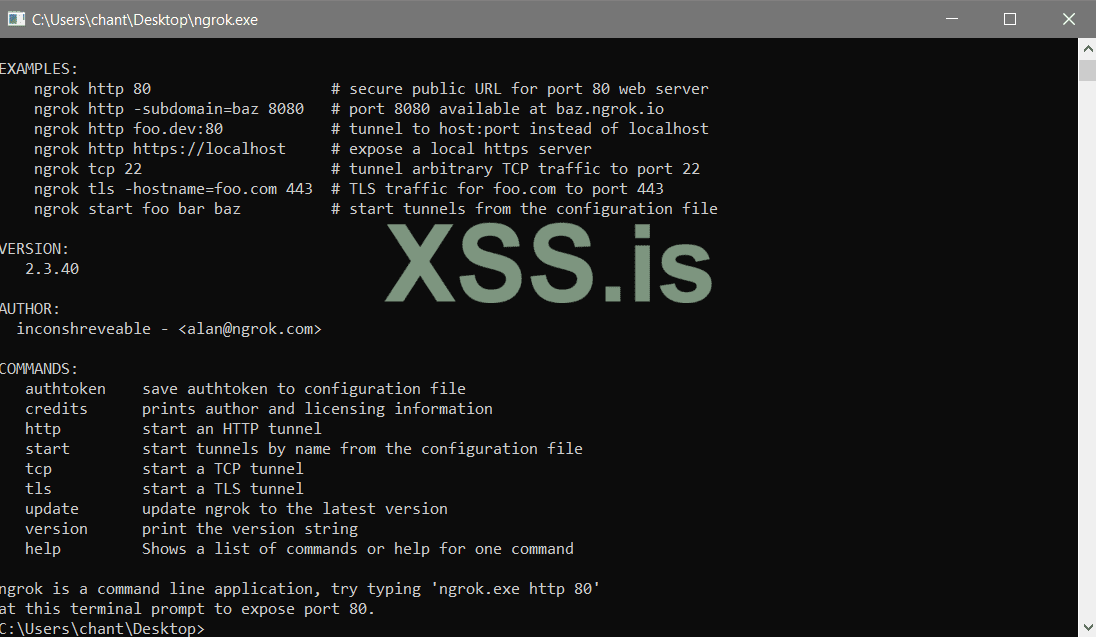
2)Регистрируемся в pastebin кликабельно.
We register in pastebin clickable.
3)Открываем необходимый порт командой [ngrok tcp 8848] и копируем выделенные значения.
Open the required port with the command [ngrok tcp 8848] and copy the selected values.
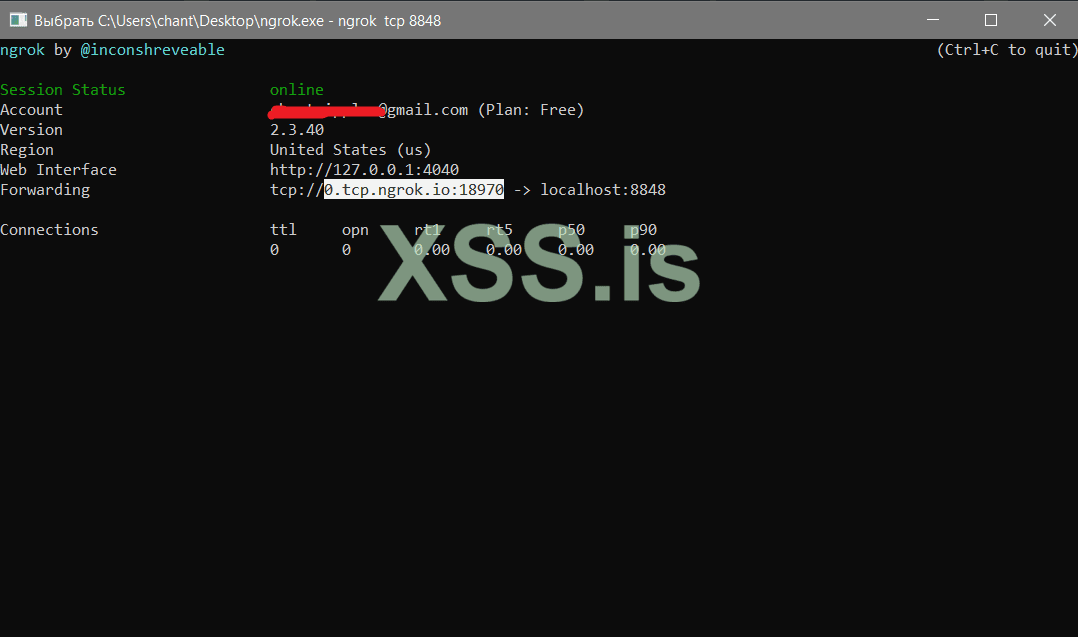
4)Создаём новую запись и вставляем выше скопированные значения.
Create a new record and paste the copied values above.
5)Копируем выделенные значения и переходим в билдер.
Copy the selected values and go to the builder.

6)Выбираем функцию get ip by link и заменяем на скопированные значения всё после https://pastebin.com/raw/
Select the get ip by link function and replace with the copied values all after https://pastebin.com/raw/
6)Криптуем и радуемся, из практики скажу что способ так-же подходит тем кто не хочет потерять юзеров при утере сервера.
We crypt and rejoice, from practice I will say that the method is also suitable for those who do not want to lose users when the server is lost.
Советы и рекомендации | Tips and recommendations
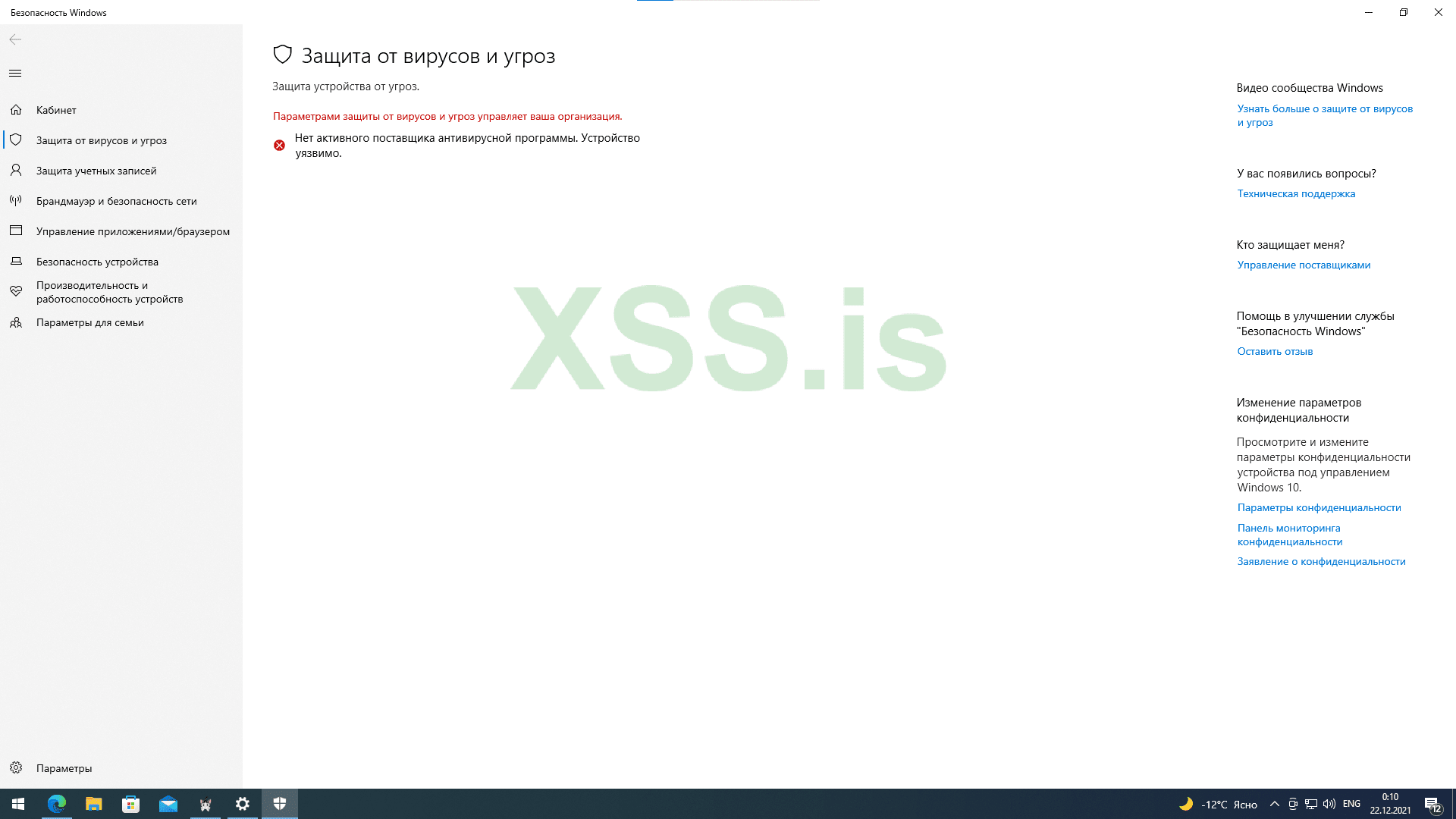
1) Если вы получили доступ к ПК, то первый делом выключите windows defender (требует прав администратора, но убивается намертво).
If you have gained access to the PC, then first of all turn off windows defender (requires administrator rights, but is killed dead).
https://xss.pro/attachments/29970/?hash=a054b6397307369340b1eabf255dedd2
-----
-----
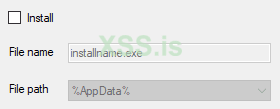
2)Для людей которые хотят криптовать данный rat не рекомендую включать функции установки.
For people who want to encrypt this rat, I do not recommend enabling the installation functions.
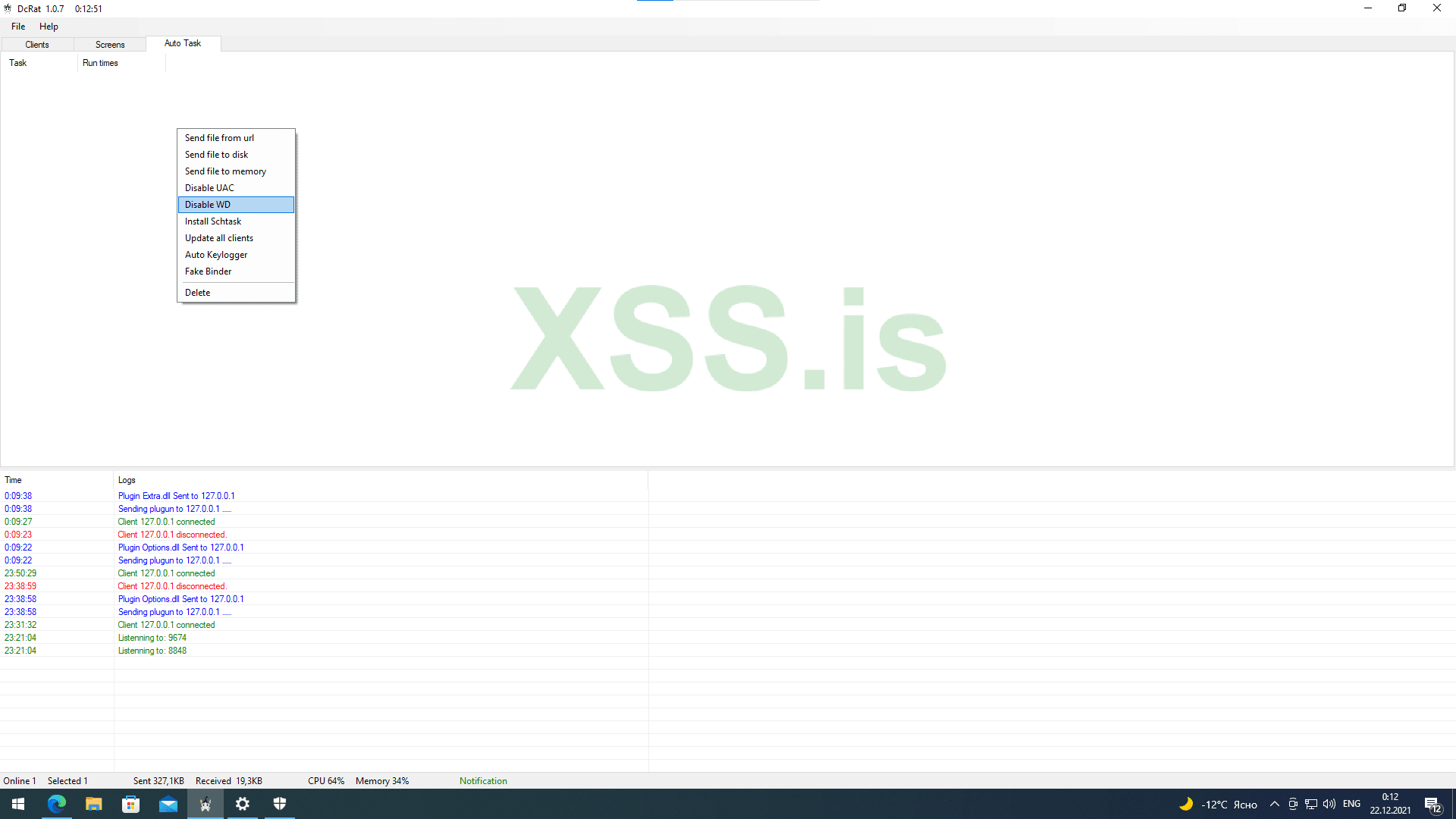
3)Так же для людей которые очень заняты
Also for people who are very busy
4) Если запуск payload выполняется с правами администратора автозапуск не будет виден в диспетчере задач, тк устанавливается shtask.
If the payload is launched with administrator rights, autorun will not be visible in the task manager, because shtask is installed.

Ссылки | Links
Author: https://github.com/qwqdanchun
Rat: https://github.com/qwqdanchun/DcRat
My Telegram if you have question: https://t.me/zerosumOxO
Привет всем, сегодня хочу поделится с вами обновлённой статьёй о бесплатном вирусе удалённого управления DcRat [Не DarkCrystal].
Hello everyone, today I want to share with you an updated article about the free remote control virus DcRat [Not DarkCrystal].
Данный вирус удалённого управления сочетает в себе смесь нескольких известных ратников а именно AsyncRAT, Quasar и ещё нескольких проектов.
This remote control virus combines a mixture of several well-known warriors, namely AsyncRAT, Quasar and several other projects.
Тестирование сервера проведено успешно на версиях windows 8.1, 10, 11. Тестирование payload проведено успешно на версиях windows 7, 8.1, 10, 11.
Server testing was carried out successfully on windows 8.1, 10, 11 versions. payload testing was carried out successfully on windows 7, 8.1, 10, 11 versions.
Из главных особенностей является | One of the main features is:
1)IP-порт сервера может быть получен с помощью pastebin.
The IP port of the server can be obtained using pastebin.
2)Поддержка нескольких портов.
Support for multiple ports.
3)Система плагинов реализованная через Dll, которая обладает сильной расширяемостью.
A plugin system implemented through a Dll, which has strong extensibility.
4)Супер крошечный размер клиента около 40~50 килобайт.
Super tiny client size is about 40~50 kilobytes.
5)Система логирования, записывающая все события.
A logging system that records all events.
Функционал | Functions
Remote shell, Remote desktop, Remote camera, Registry Editor, File management, Process management, Netstat, Remote recording, Process notification, Send file, Inject file, Download and Execute ,Send notification, Chat, Open website, Modify wallpaper, Keylogger, File lookup, DDOS, Ransomware, Disable Windows Defender, Disable UAC, Password recovery, Discord Recovery, Open CD, Lock screen, Client shutdown/restart/upgrade/uninstall, System shutdown/restart/logout, Bypass Uac, Get computer information, Thumbnails, Auto task, Mutex, Process protection, Block client, Install with schtasks, etc.
Установка | Setup
Есть 2 варианта установки для бедных людей которые не могу позволить себе сервер, и для людей у которых есть свой выделенный сервер.
There are 2 installation options for poor people who can't afford a server, and for people who have their own dedicated server.
Способ № 1 с сервером| Method #1 with the server
1)Скачиваем и распаковываем файлы с репозитория (кликабельно).
Download and unpack files from the repository (clickable).
2)Запустим и создадим сертификат, чтобы в бедующем не потерять юзеров обязательно сохраните сертификат.
We will launch and create a certificate, so that in the future we will not lose users, be sure to save the certificate.
3)Добавим наш любой открытый незадействованный порт и запустим сервер.
Add our any open unused port and start the server.
4)Чтобы сделать payload необходимо нажать на контекстное меню -> builder.
To make a payload, click on the context menu -> builder.
5) Прописать ip и порт сервера, а так же выбрать необходимые настройки анти виртуалка рабочая так что перед тем как писать и просить помощи убедись в этом.
Register the ip and port of the server, as well as select the necessary anti-virtual working settings, so before you write and ask for help, make sure of this.
6)Генерируем необходимый формат shellcode или exe.
Generate the required shellcode or exe format.
7)Криптуем и радуемся, из личного опыта если вы всё-таки умеете криптовать вам необходимо обфусцировать дополнительно библиотеки для того чтобы они не были обнаружены при пост эксплуатации.
We crypt and rejoice, from personal experience, if you still know how to cript, you need to obfuscate additional libraries so that they are not detected during post-operation.
8) Если вы используете покупные сервера и боитесь потерять пользователей посмотрите способ для бедных
If you use purchased servers and are afraid of losing users, look at the way for the poor
Способ № 2 без сервера| Method #2 without a server
1)Регистрируем, скачиваем, настраиваем ngrok (кликабельно).
Register, download, configure ngrok (clickable).
2)Регистрируемся в pastebin кликабельно.
We register in pastebin clickable.
3)Открываем необходимый порт командой [ngrok tcp 8848] и копируем выделенные значения.
Open the required port with the command [ngrok tcp 8848] and copy the selected values.
4)Создаём новую запись и вставляем выше скопированные значения.
Create a new record and paste the copied values above.
5)Копируем выделенные значения и переходим в билдер.
Copy the selected values and go to the builder.
6)Выбираем функцию get ip by link и заменяем на скопированные значения всё после https://pastebin.com/raw/
Select the get ip by link function and replace with the copied values all after https://pastebin.com/raw/
6)Криптуем и радуемся, из практики скажу что способ так-же подходит тем кто не хочет потерять юзеров при утере сервера.
We crypt and rejoice, from practice I will say that the method is also suitable for those who do not want to lose users when the server is lost.
Советы и рекомендации | Tips and recommendations
1) Если вы получили доступ к ПК, то первый делом выключите windows defender (требует прав администратора, но убивается намертво).
If you have gained access to the PC, then first of all turn off windows defender (requires administrator rights, but is killed dead).
https://xss.pro/attachments/29970/?hash=a054b6397307369340b1eabf255dedd2
-----
-----
2)Для людей которые хотят криптовать данный rat не рекомендую включать функции установки.
For people who want to encrypt this rat, I do not recommend enabling the installation functions.
3)Так же для людей которые очень заняты
Also for people who are very busy
4) Если запуск payload выполняется с правами администратора автозапуск не будет виден в диспетчере задач, тк устанавливается shtask.
If the payload is launched with administrator rights, autorun will not be visible in the task manager, because shtask is installed.
Ссылки | Links
Author: https://github.com/qwqdanchun
Rat: https://github.com/qwqdanchun/DcRat
My Telegram if you have question: https://t.me/zerosumOxO