

This tutorial will help users with zero basic knowledge to quickly duty a ChatGPT Mirror service.
3. Enter ChatGPT Token
Through the above steps, you have successfully employed a ChatGPT Mirror service.
usage demonstration API
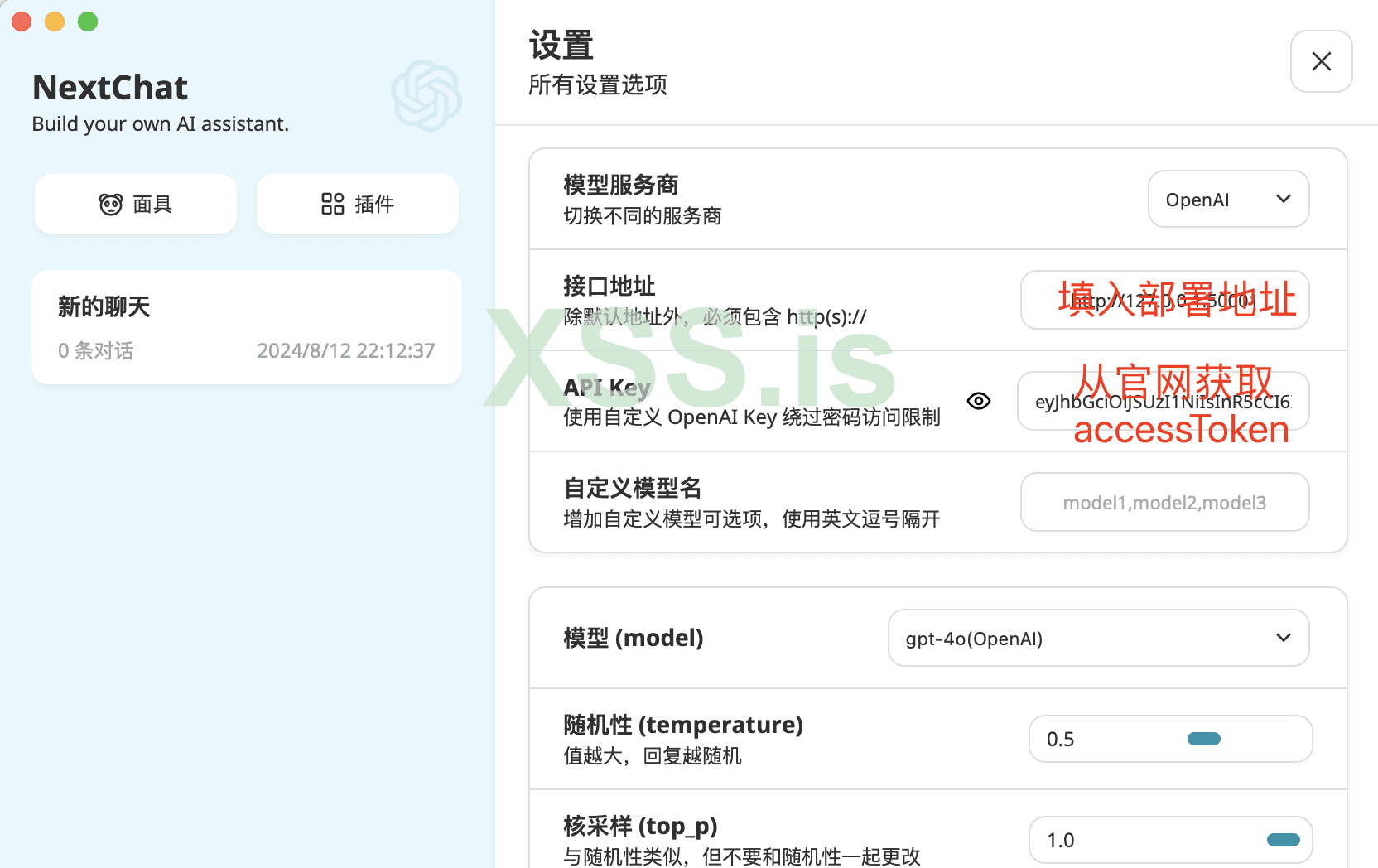
Use with ChatGPT-Next-Web:
Prepare in Advance
- A ChatGPT account (3.5 or 4.0)
- An offshore VPS
Start Installation
1. Install Docker and create a Docker container
First, make sure you have Docker installed. Once that's done, go into Docker and create a container.
Код:
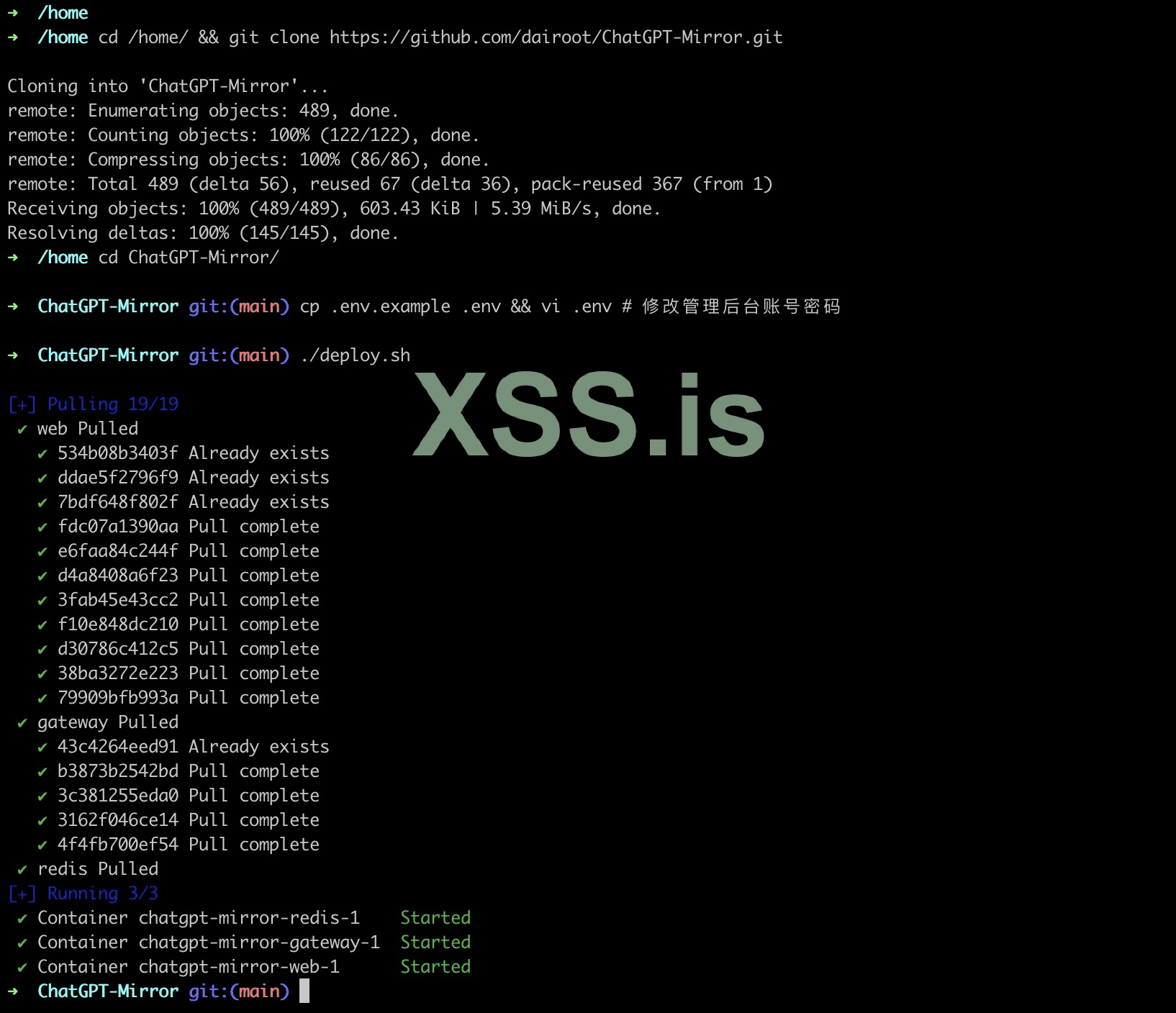
# Switch to the home directory and clone the ChatGPT-Mirror repository
cd /home/&&git clone https://github.com/dairoot/ChatGPT-Mirror.git

cd ChatGPT-Mirror/

cp .env.example. env && vi. env # Modify the management backend account password.

. ./deploy.sh
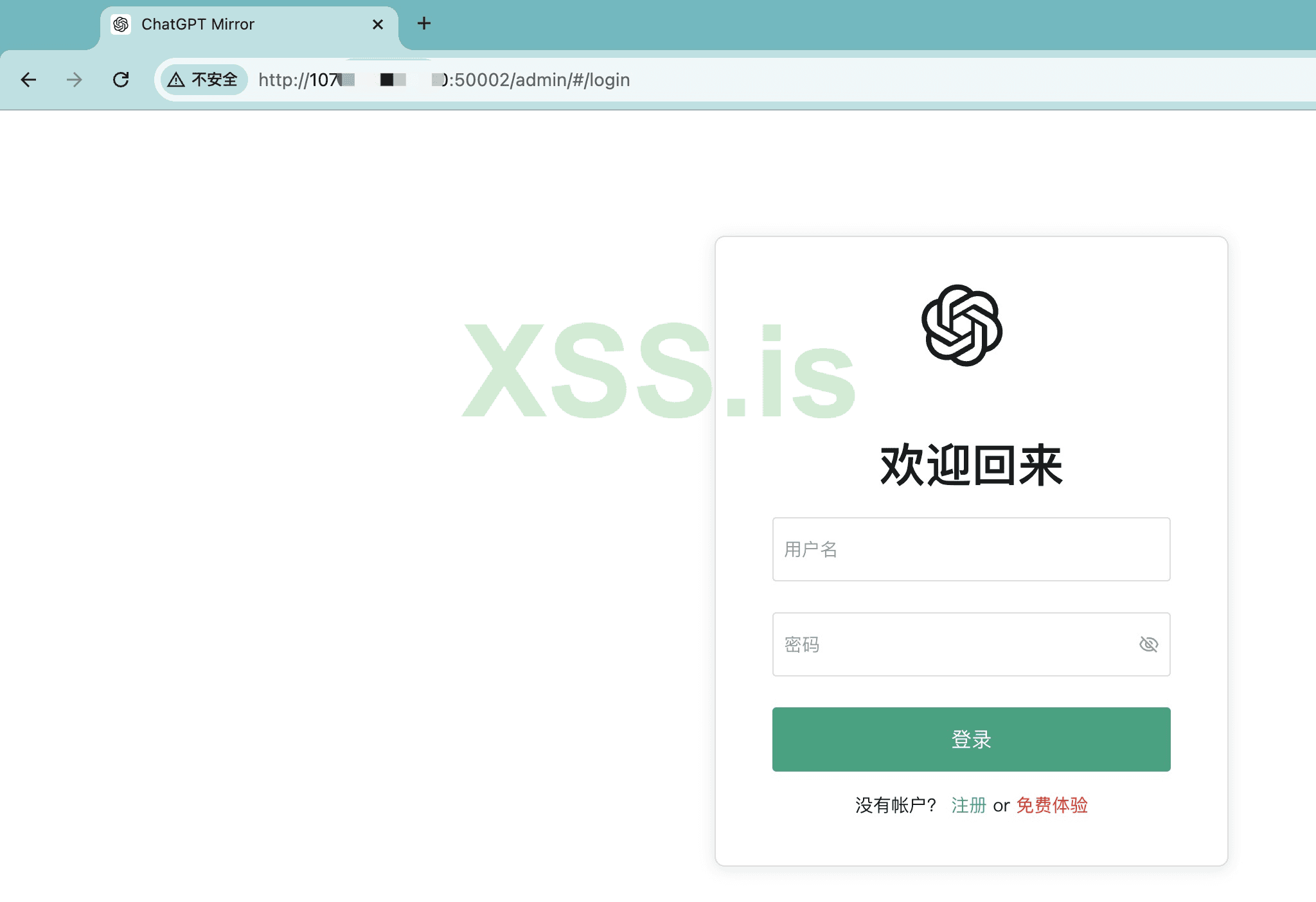
2. Open the website
http://server external network ip:50002, and log in
3. Enter ChatGPT Token
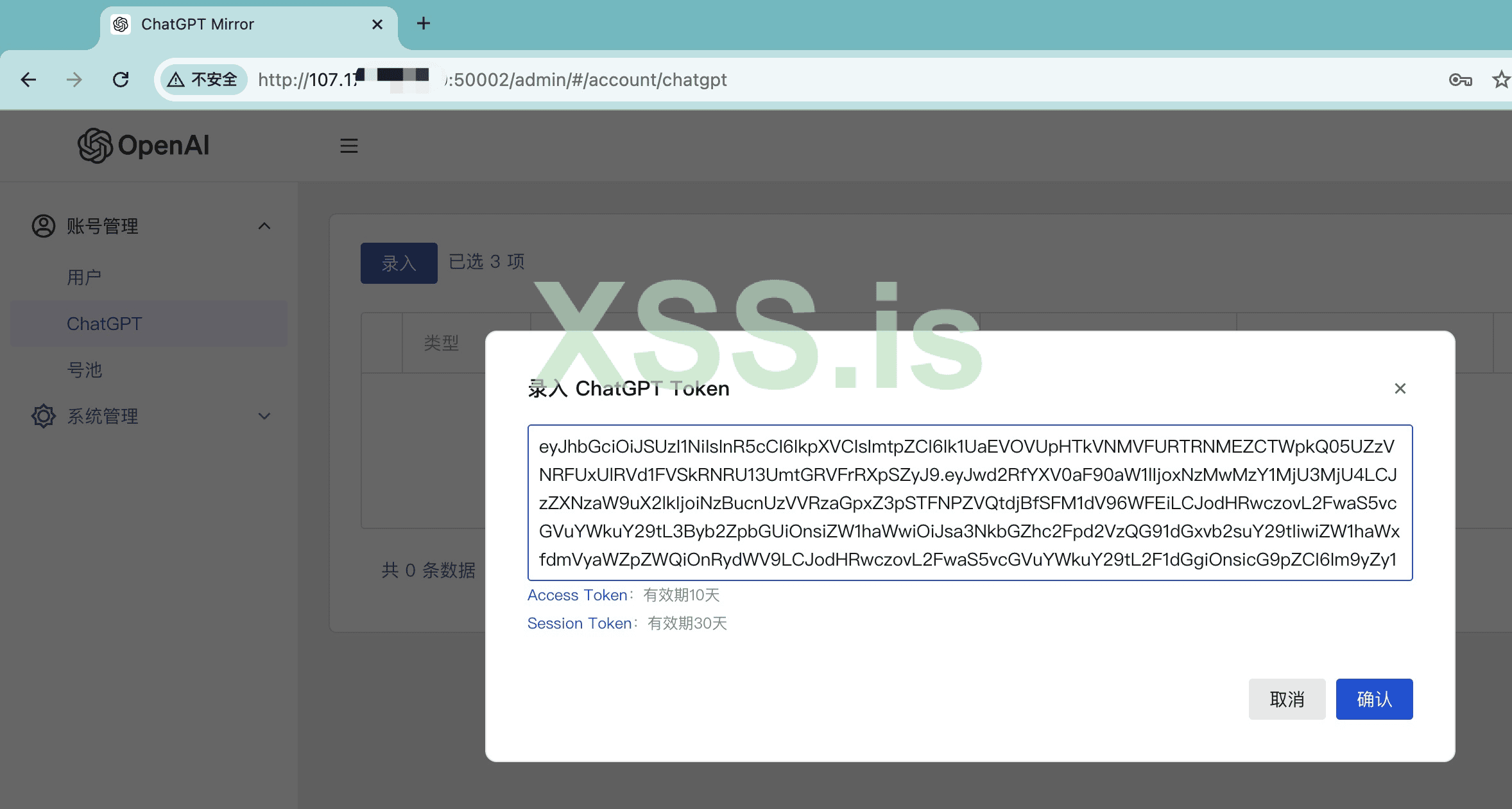
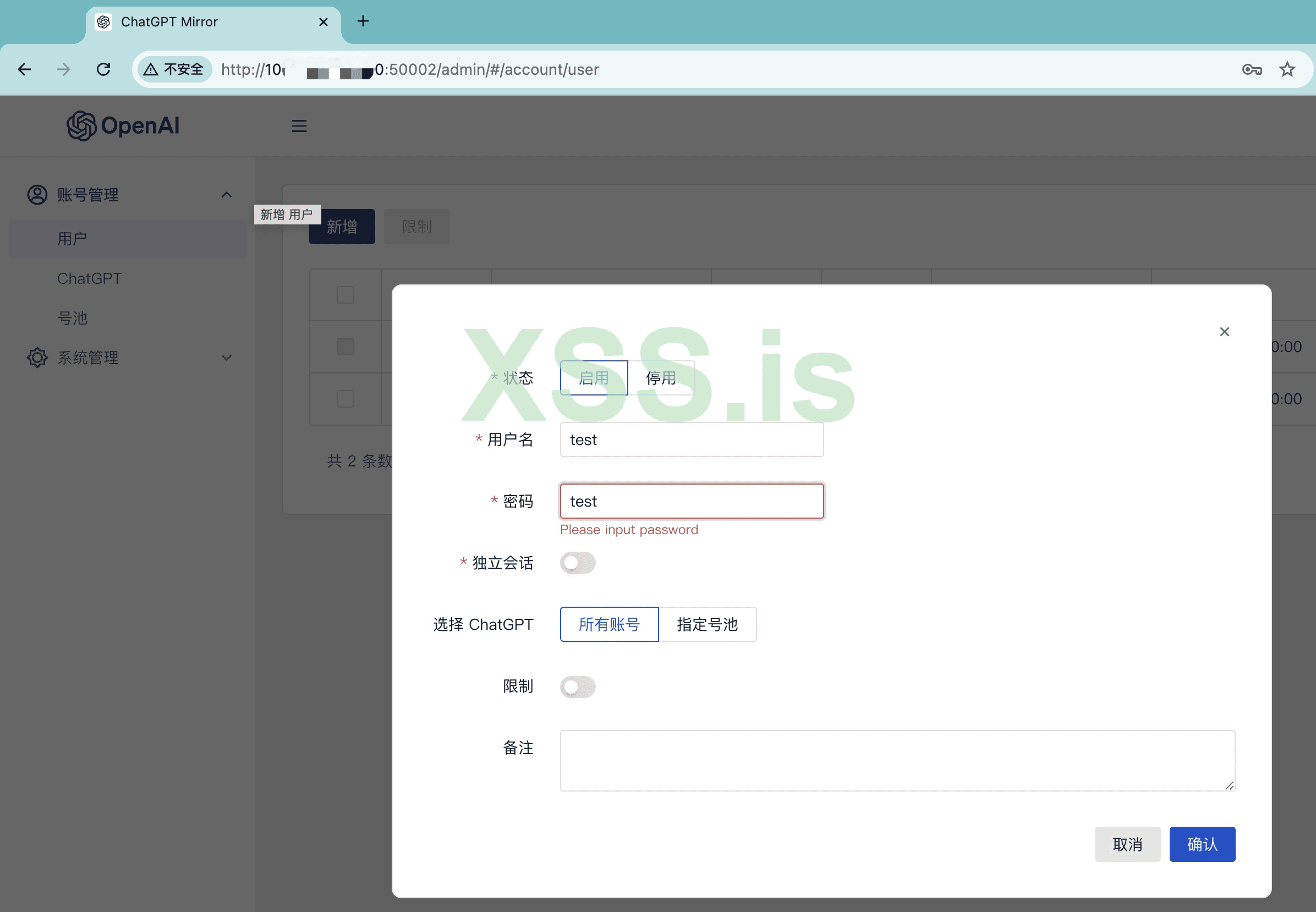
4. Add login user
In the Mirror backend, add a login account.
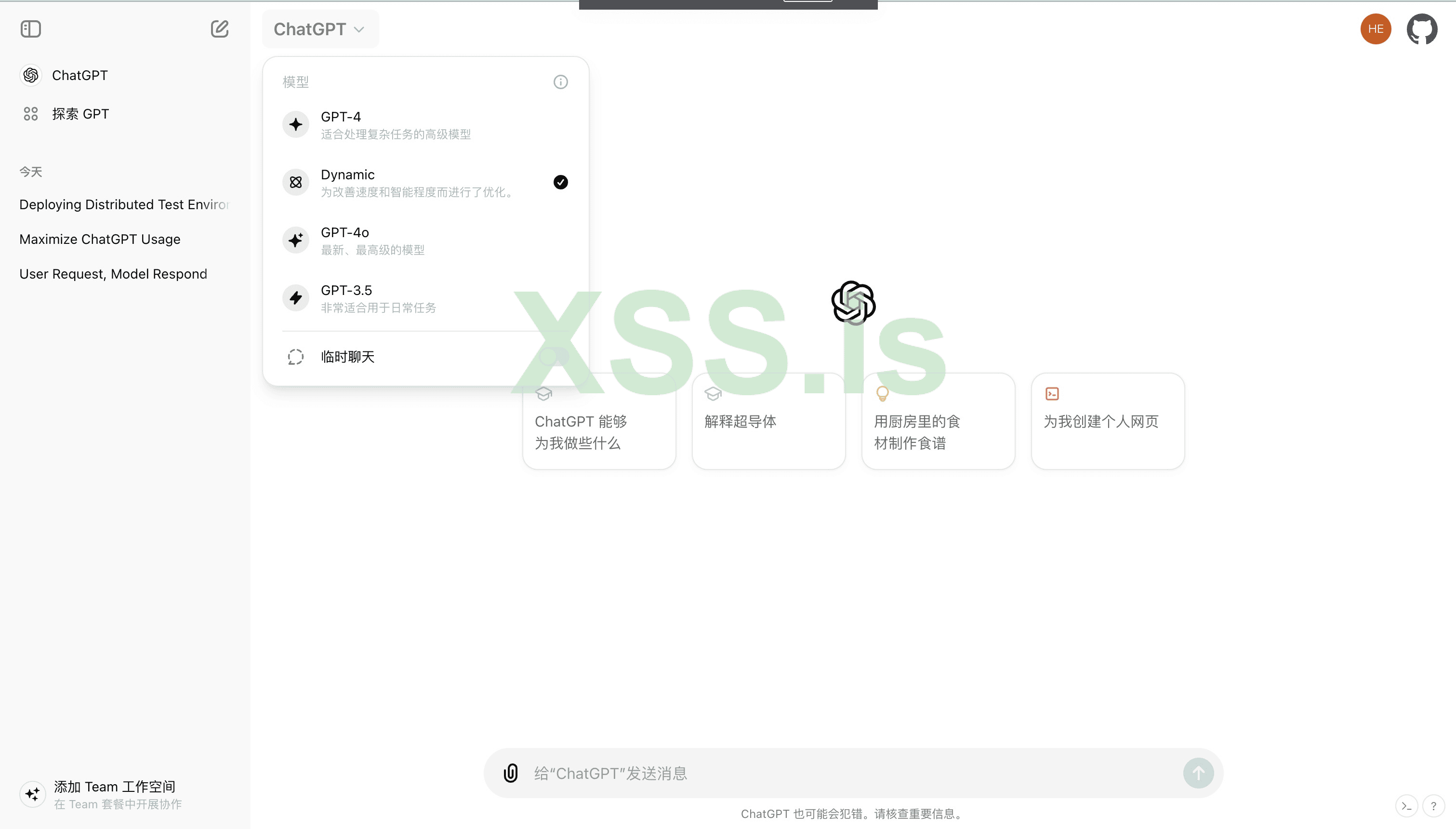
5. Log in to your account
Return to the login interface, enter the newly added account and password, and you can use ChatGPT.
Through the above steps, you have successfully employed a ChatGPT Mirror service.
usage demonstration API
Chat interface request example
Код:
export accessToken=XXX # Get address: https://chatgpt.com/api/auth/session
export yourUrl=http://127.0.0.1:50002


curl --location " ${yourUrl} /v1/chat/completions" \
--header 'Content-Type: application/json' \
--header "Authorization: Bearer ${accessToken}" \
--data '{
 "model": "gpt-4o-mini",
 "messages": [{"role": "user", "content": "Hello!"}],
 "stream": true,
 "conversation_id": null,
 "parent_message_id": null,
 "hatd": false
 }'
Use with ChatGPT-Next-Web:

