
looking to purchase freshly ready made Ip list whole world
3389 and all other ports.
escrow only
3389 and all other ports.
escrow only

zmap can do the joblooking to purchase freshly ready made Ip list whole world
3389 and all other ports.
escrow only
masscan -iL ips.txt -oL 3389.txt --rate 100000 --ttl 64 -p 3389 -sS -Pn -n 
maybe his bandwidth is 10 mbit\psUse ip2location to download your ip range list and use masscan to scan for port 3389.
masscan -iL ips.txt -oL 3389.txt --rate 100000 --ttl 64 -p 3389 -sS -Pn -n
what you recommend to use for brute force . last thing used was dubruter very long ago .z6 was linda unstable on my testszmap can do the job

masscan -p443,3389,80 --rate 1300000 --ranges 0.0.0.0-255.255.255.255 --output-format list --output-file out.txt --open-only --randomize-hosts --exclude 255.255.255.255 -v --send-eth --cat out.txt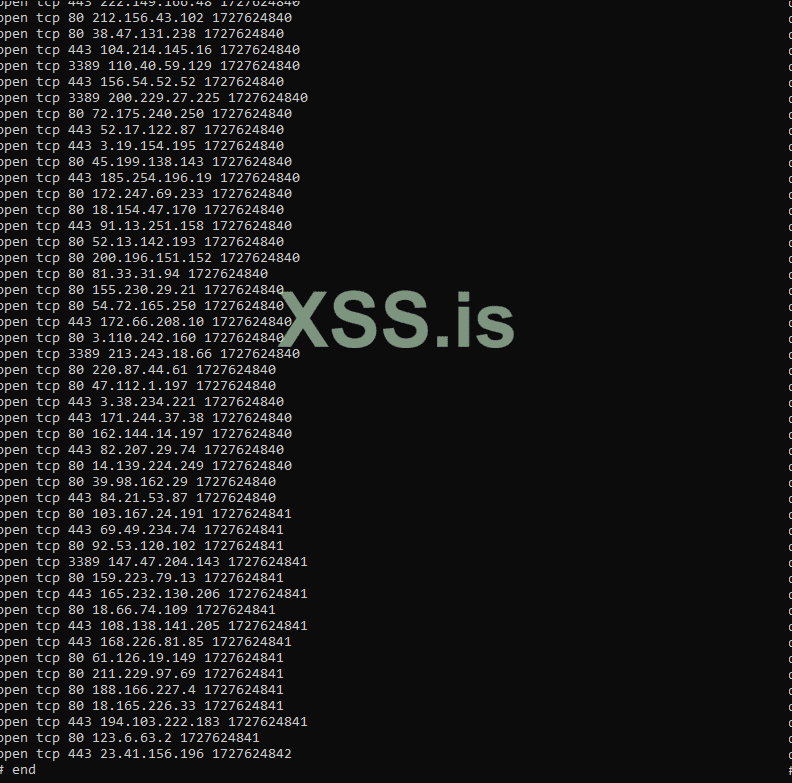

bash clean.sh out.txt final_output.txt will be created, where you can have the correct IP formats.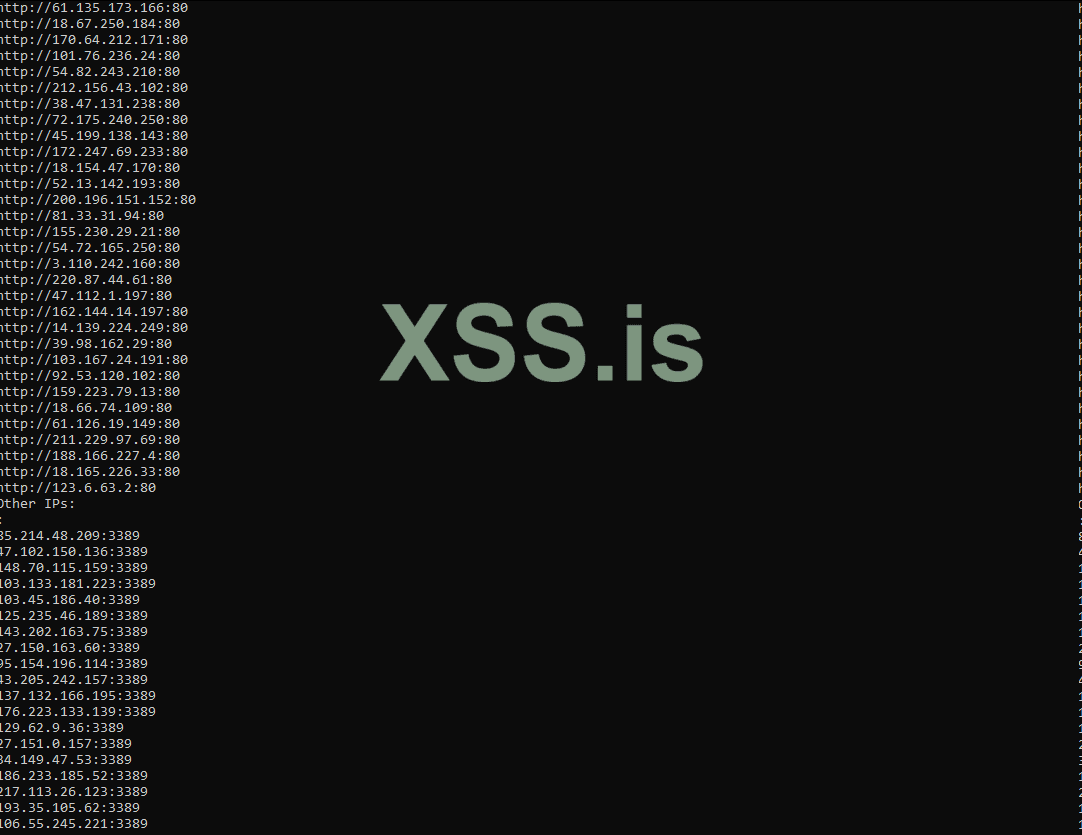
#!/bin/bash
if [ $# -ne 1 ]; then
    echo "Usage: $0 input_file"
    exit 1
fi

input_file=$1
output_file="final_output.txt"

> "$output_file"

declare -a https_ips
declare -a http_ips
declare -a other_ips

while IFS= read -r line; do
    ip_port=$(echo "$line" | awk '{print $4 ":" $3}')
    ip=$(echo "$ip_port" | awk -F: '{print $1}')
    port=$(echo "$ip_port" | awk -F: '{print $2}')

    if [ "$port" -eq 443 ]; then
        https_ips+=("https://$ip:$port")
    elif [ "$port" -eq 80 ]; then
        http_ips+=("http://$ip:$port")
    else

        other_ips+=("$ip:$port")
    fi
done < "$input_file"
echo "HTTPS IPs:" >> "$output_file"
for ip in "${https_ips[@]}"; do
    echo "$ip" >> "$output_file"
done
echo "HTTP IPs:" >> "$output_file"
for ip in "${http_ips[@]}"; do
    echo "$ip" >> "$output_file"
done
echo "Other IPs:" >> "$output_file"
for ip in "${other_ips[@]}"; do
    echo "$ip" >> "$output_file"
donethanks , the command now makes it work betterПосмотреть вложение 96054
masscan -p443,3389,80 --rate 1300000 --ranges 0.0.0.0-255.255.255.255 --output-format list --output-file out.txt --open-only --randomize-hosts --exclude 255.255.255.255 -v --send-eth --
cat out.txt
It looks like the picture below:
Посмотреть вложение 96055
After this, you need to fix the IP formats, and you can do that using the script below.
Посмотреть вложение 96062
bash clean.sh out.txt
Then a file namedfinal_output.txtwill be created, where you can have the correct IP formats.
It looks like the picture below:
Посмотреть вложение 96063
clean.sh
Bash:#!/bin/bash if [ $# -ne 1 ]; then echo "Usage: $0 input_file" exit 1 fi input_file=$1 output_file="final_output.txt" > "$output_file" declare -a https_ips declare -a http_ips declare -a other_ips while IFS= read -r line; do ip_port=$(echo "$line" | awk '{print $4 ":" $3}') ip=$(echo "$ip_port" | awk -F: '{print $1}') port=$(echo "$ip_port" | awk -F: '{print $2}') if [ "$port" -eq 443 ]; then https_ips+=("https://$ip:$port") elif [ "$port" -eq 80 ]; then http_ips+=("http://$ip:$port") else other_ips+=("$ip:$port") fi done < "$input_file" echo "HTTPS IPs:" >> "$output_file" for ip in "${https_ips[@]}"; do echo "$ip" >> "$output_file" done echo "HTTP IPs:" >> "$output_file" for ip in "${http_ips[@]}"; do echo "$ip" >> "$output_file" done echo "Other IPs:" >> "$output_file" for ip in "${other_ips[@]}"; do echo "$ip" >> "$output_file" done
good luck !
