

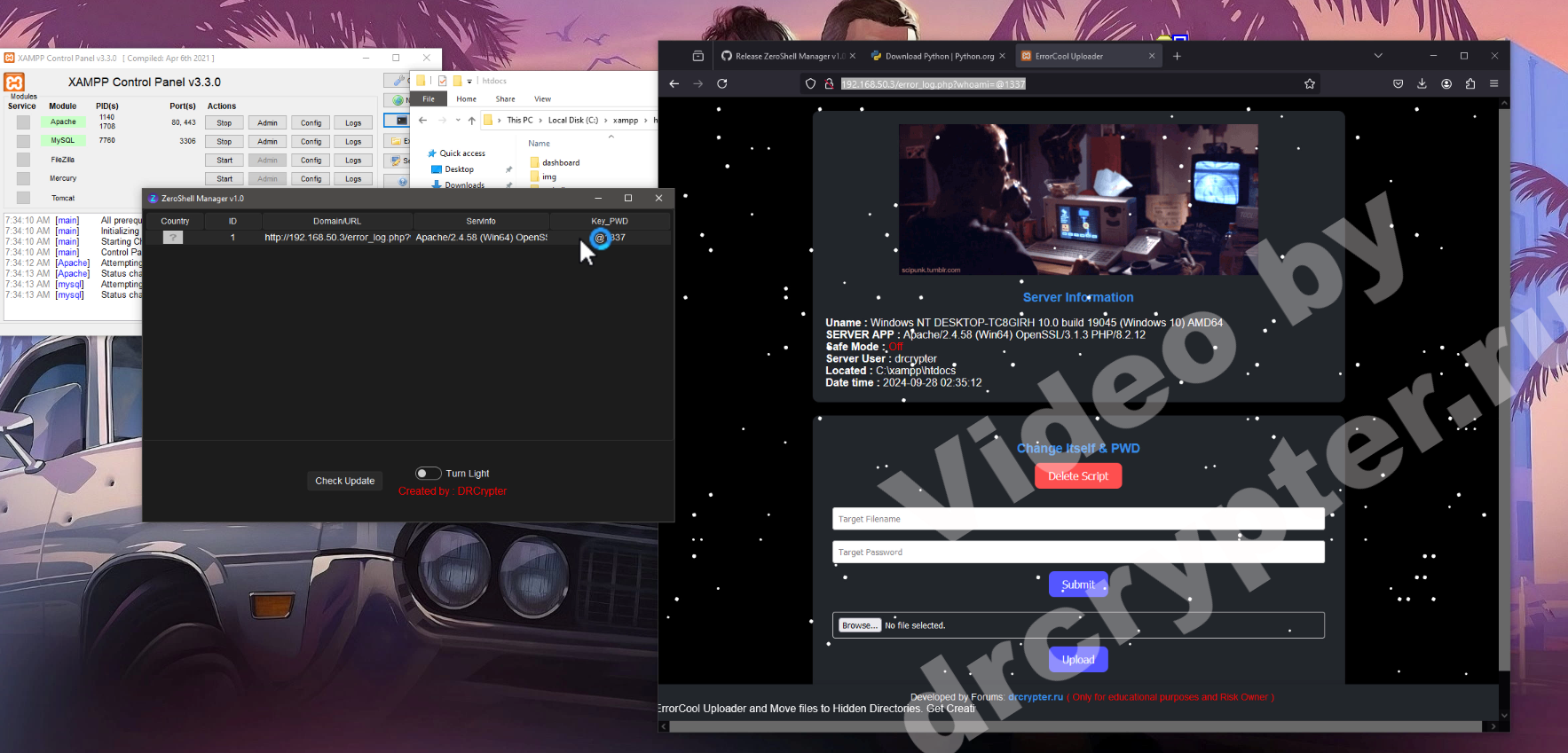
 ZeroShell Manager is a tool designed to help users manage their web shells through a user-friendly graphical interface built with Tkinter. With its simple UI, it offers both light and dark modes for users preferences. While this is the first version, great care has been taken in testing to minimize bugs.
Screenshots
 Full Screen
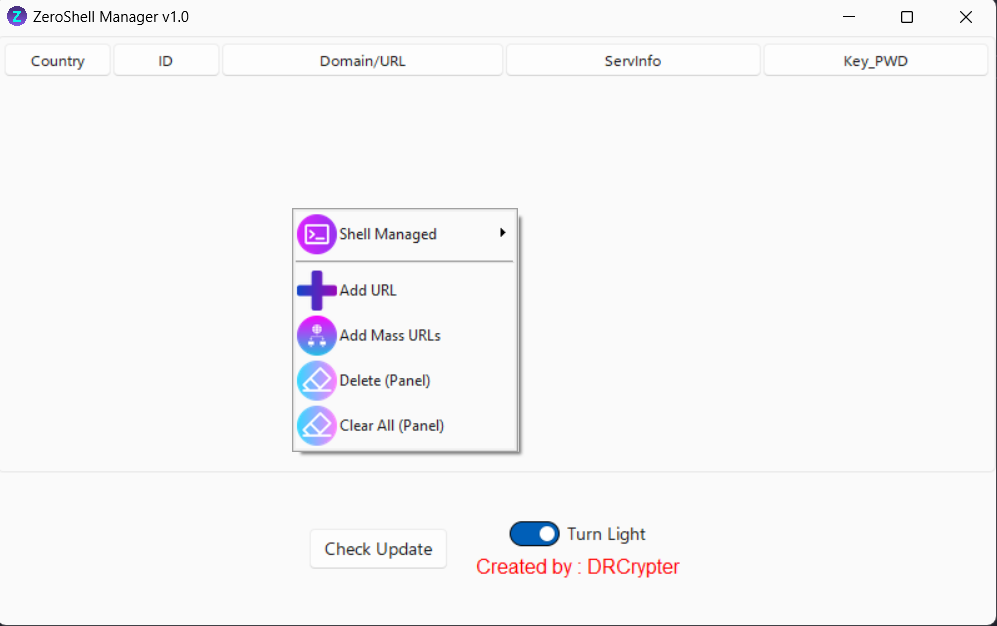 Small Screen
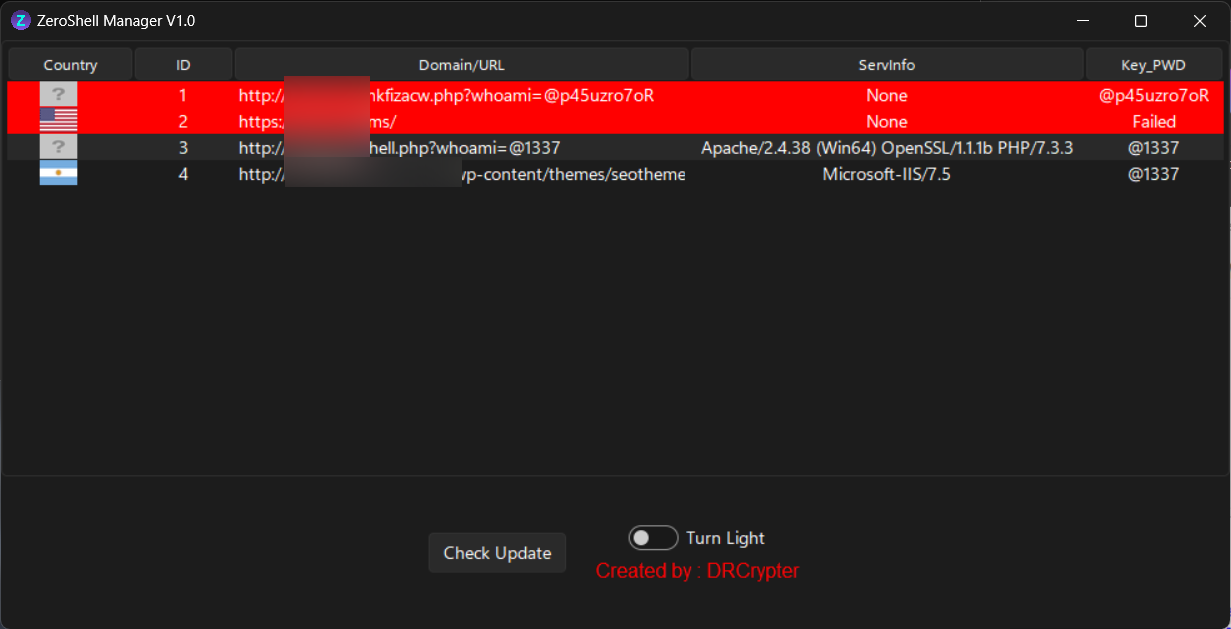 Change Name Shell&PWD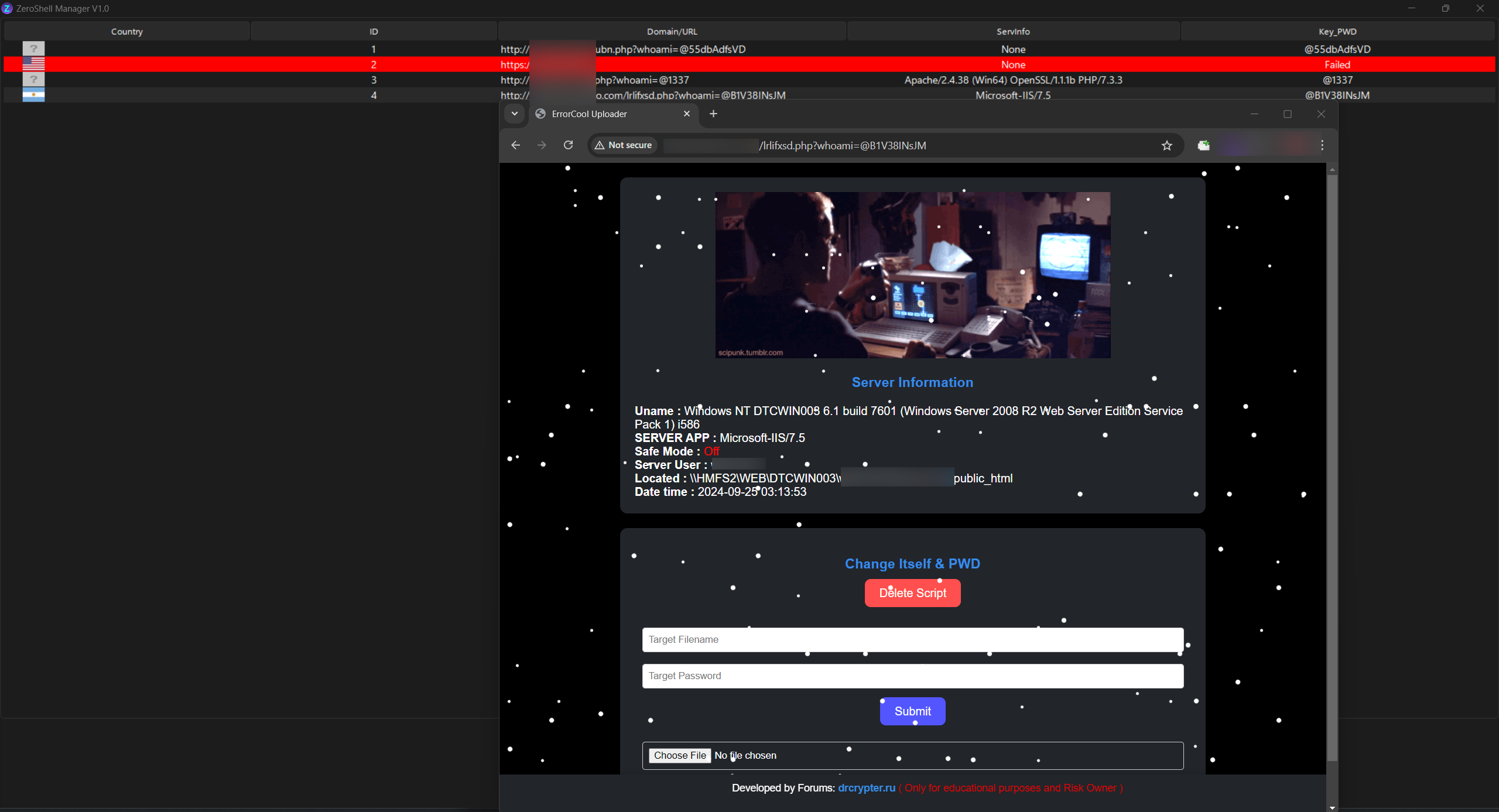
 Dark Mode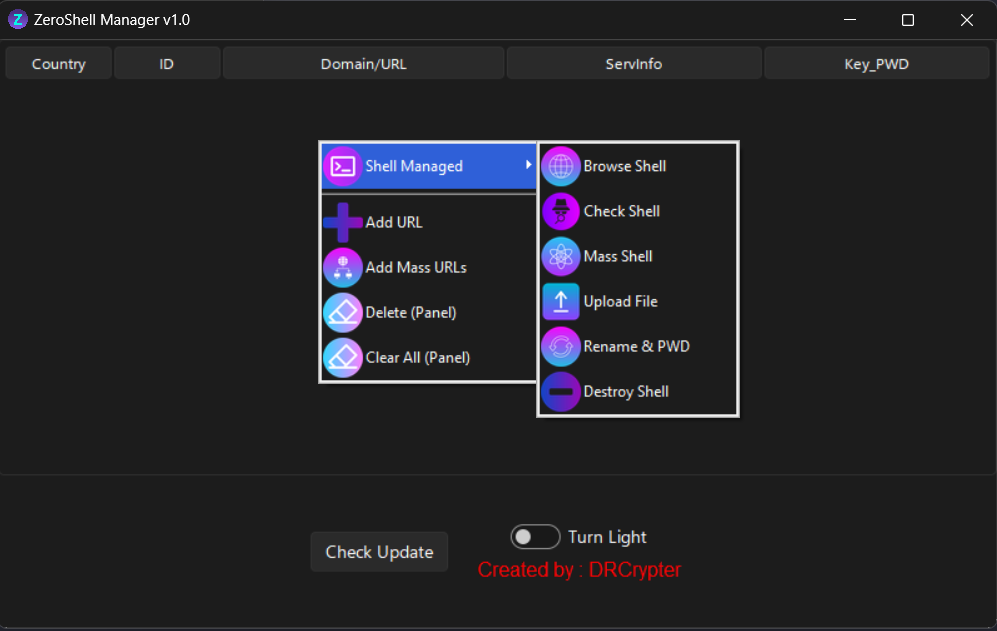
 Light Mode
 Features
 Add URL to Panel & Add Mass
Easily add individual or multiple URLs to the panel for management.
 Delete & Clear All Web Shells from Panel
Quickly delete or clear all web shells from the management panel in one click.
Shell ManagerManage web shells efficiently with a variety of options:
Browser Shell: Interact with your web shells through a convenient browser interface.
Check Shell: Verify the status and availability of your shells.
Mass Shell Operations: Execute bulk actions on multiple shells at once.
File Upload: Upload files directly to the shell.
Rename & Change Password: Easily rename shells and update passwords.
Destroy: Permanently remove shells with a secure deletion process.
How to Use
- Upload File via error_log.php None obfuscator or choose strong protect with err_Obf another wish you can obfuscator your personal than upload to make strong Undetected in server.
- Add URLs or mass input URLs into the Panel with
Example : localhost.com/error_log.php?whoami=@1337
(whoami= is default and 1337 is password of shell will be change in later or your own in error_log.php) - Browse, check, upload files, or manage the shells as needed using the Shell Manager options.
- Use the "Destroy" option to remove shells from your server when no longer needed.
 Video Usage:
У вас должно быть более 1 реакций для просмотра скрытого контента.
Последнее редактирование:
