• XSS.stack #1 – первый литературный журнал от юзеров форума

How Can Hidden Text Beneath Shapes in Images Be Accessed?

blackhunt

(L2) cache
Пользователь
Регистрация
10.05.2023
Сообщения
333
Решения
8
Реакции
336
I have a question that's been on my mind. Suppose we have an image in which several pieces of text are hidden using various shapes, similar to the example below. How can we access the hidden text beneath these shapes? Is it practically possible to retrieve such hidden text, or is it not feasible? What are your thoughts on this?


Ex :
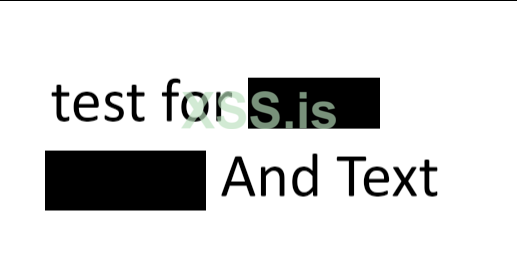
1722893353166.png
 
It depends on how the image was generated. If it was generated in a file format that is flattened and compressed, such as png, gif, jpeg, etc. then you likely won't be able to recover it. But if it was created in a file format that keeps the layers, such as a PSD, SVG, PDF sometimes the layers can be separated. If it's a jpeg, you might be able to catch some remnants of what's under the redacted area by messing around with the brightness/contrast/levels of the image, but it's a shot in the dark.
 
Последнее редактирование:
It depends on how the image was generated. If it was generated in a file format that is flattened and compressed, such as png, gif, jpeg, etc. then you likely won't be able to recover it. But if it was created in a file format that keeps the layers, such as a PSD, SVG, PDF sometimes the layers can be separated. If it's a jpeg, you might be able to catch some remnants of what's under the redacted area by messing around with the brightness/contrast/levels of the image, but it's a shot in the dark.
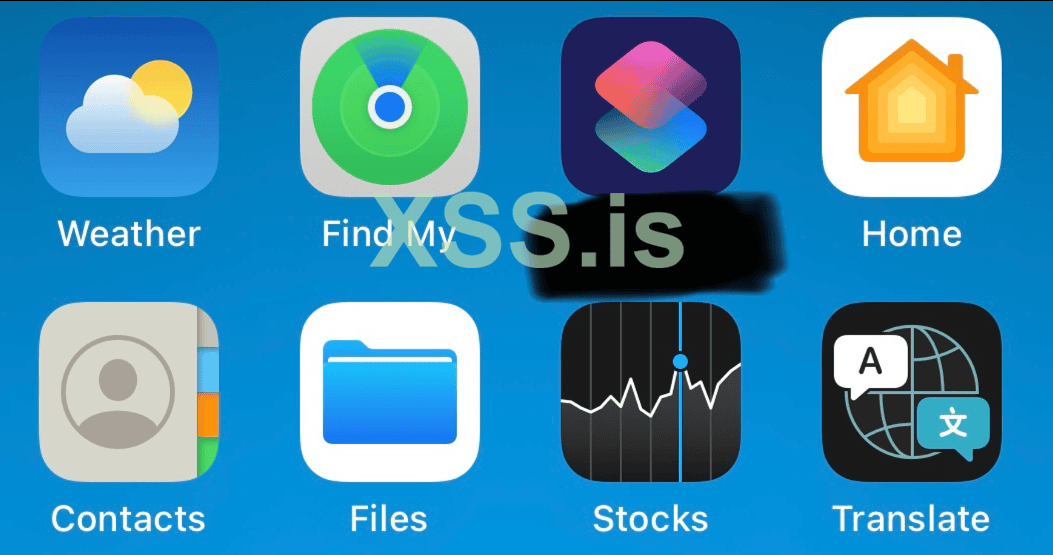
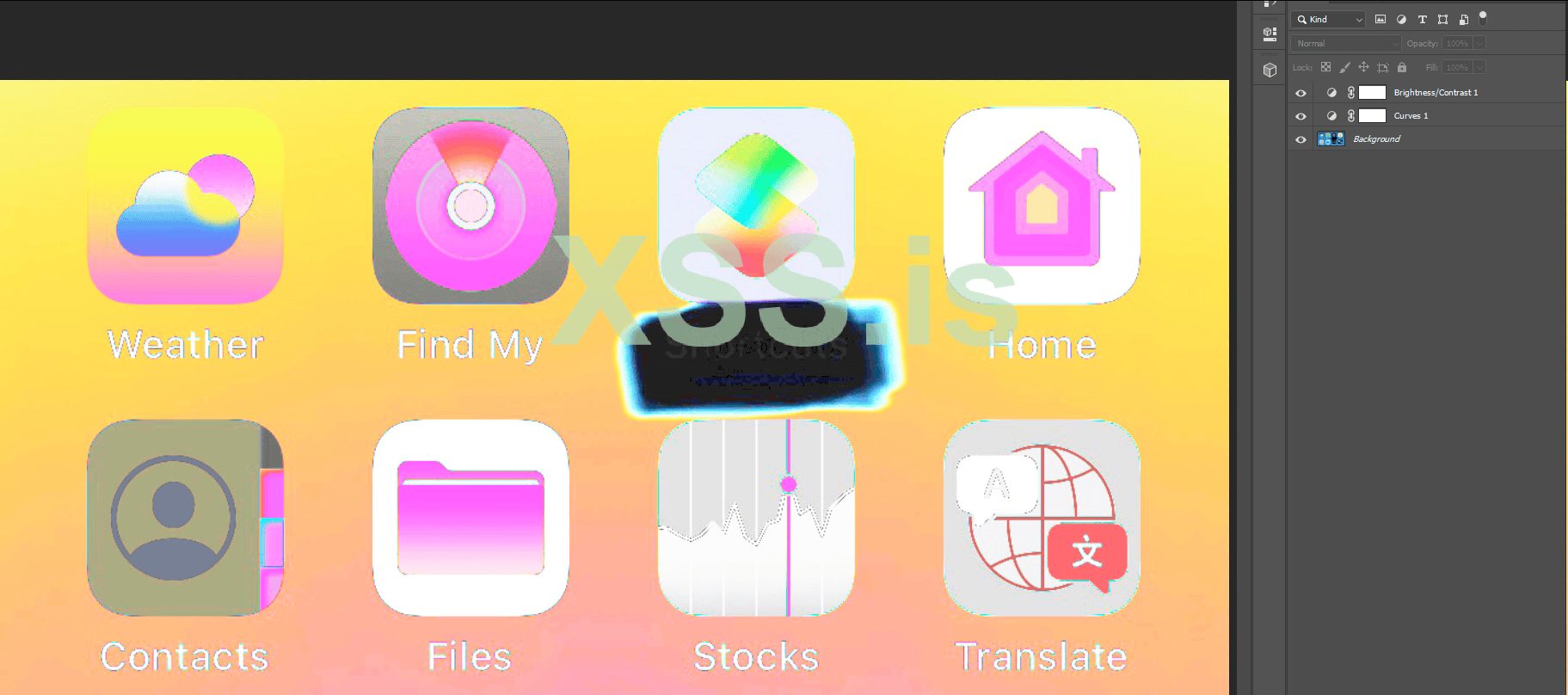
Well, look, when you hide something and draw over it using the edit function on an iPhone or Android with a marker, you can find the text using Photoshop. You can change the contrast and unmask the shape. However, I don't think we can really do anything about the shape, but nothing is impossible . everything can be done. This can be a good topic for research so that others can help us achieve this!


Ex 1 :
1722924658707.png


Ex 2 :
1722924701558.png
 

Вложения

  • 1722924620755.png
    1722924620755.png
    98.1 КБ · Просмотры: 7
Well, look, when you hide something and draw over it using the edit function on an iPhone or Android with a marker, you can find the text using Photoshop. You can change the contrast and unmask the shape. However, I don't think we can really do anything about the shape, but nothing is impossible . everything can be done. This can be a good topic for research so that others can help us achieve this!


Ex 1 :
Посмотреть вложение 91925

Ex 2 :
Посмотреть вложение 91926
Yes, exactly, you're proving the point that I just made about how some file types allow you to open them and mess around with brightness/contrast to see what's under the layer, as long as the layer information is still intact and hasn't been compressed or flattened away. Does this answer your original question?
 
Does this answer your original question?
No, I still haven't reached the main answer, really / I think we can reach a result by using models and OCR, but we have to try many methods, but still, I think it's not possible. The reason for this is that we have an original photo, and then we hide a part of the photo using an object and then save the photo. This causes the source to change, and this object remains on the new source, and this does not cause it to be removed!
 
No, I still haven't reached the main answer, really / I think we can reach a result by using models and OCR, but we have to try many methods, but still, I think it's not possible. The reason for this is that we have an original photo, and then we hide a part of the photo using an object and then save the photo. This causes the source to change, and this object remains on the new source, and this does not cause it to be removed!
What you're saying is essentially the same thing that I said in my above post. If you have an original, put an object on top of it, and then export a new, flattened image, then the layers are removed and a new image is created all together.


Напишите ответ...
  • Вставить:
Прикрепить файлы
Верх