• XSS.stack #1 – первый литературный журнал от юзеров форума

Backups dump password from veeam agent windows

TheExample

RAID-массив
Пользователь
Регистрация
28.05.2023
Сообщения
86
Реакции
5
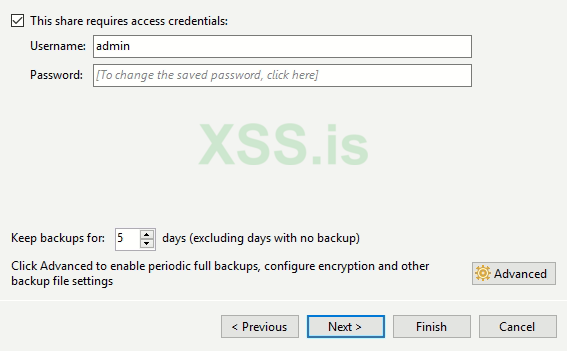
hello there, we have windows server access but dont hava access in NAS
we can dump user password from veeam agent backup app in windows?
user pass saved in app for backup daily
we dump memory but dont login in NAS with SMB and ,dont have any user/pass in memory dump
If you have a solution for this issue, please share with us
Tnx
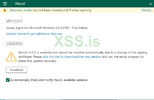
1717884221641.png
 
hello there, we have windows server access but dont hava access in NAS
we can dump user password from veeam agent backup app in windows?
user pass saved in app for backup daily
we dump memory but dont login in NAS with SMB and ,dont have any user/pass in memory dump
If you have a solution for this issue, please share with us
TnxПосмотреть вложение 86702
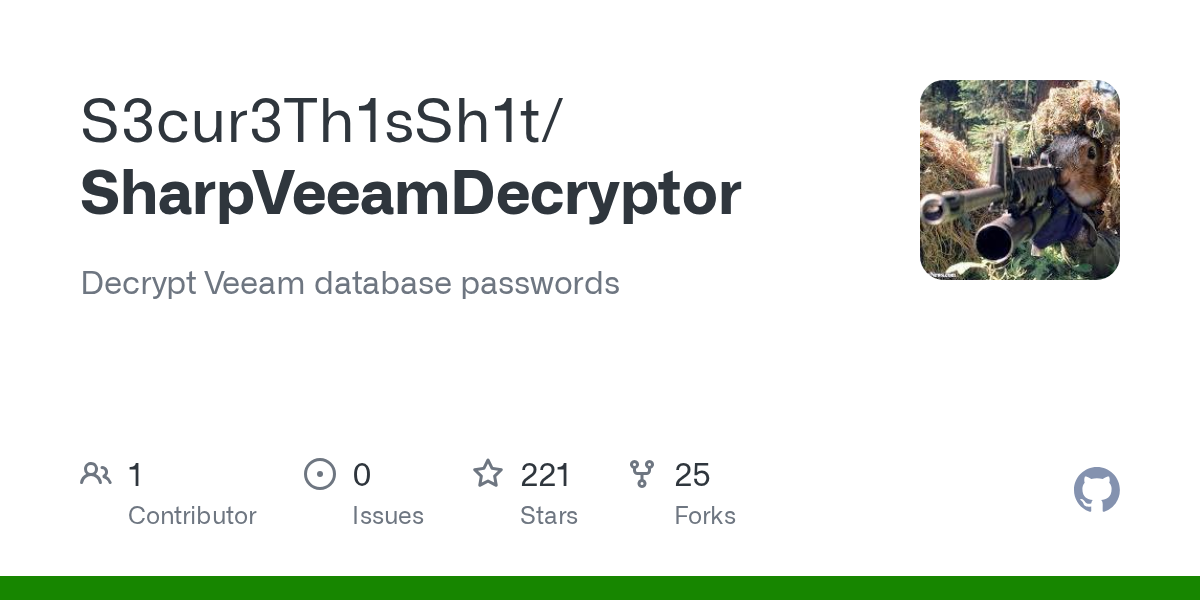
If you have access to the windows server, connect to the database using SQL software, whichever is available on the server, you can list the password hashes from the database, once you have those password hashes, using powershell you can dehash them, do a quick google search, you will find a pwndefend tutorial on how to go about it, I have tried and tested it, it works as long as you have access on the windows server where the veam software is installed.
 
Последнее редактирование:
If you have access to the windows server, connect to the database using SQL software, whichever is available on the server, you can list the password hashes from the database, once you have those password hashes, using powershell you can dehash them, do a quick google search, you will find a pwndefend tutorial on how to go about it, I have tried and tested it, it works as long as you have access on the windows server where the veam software is installed.
which one?
 

Вложения

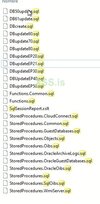
  • sqls.JPG
    sqls.JPG
    35.2 КБ · Просмотры: 40
Последнее редактирование:
If you have access to the windows server, connect to the database using SQL software, whichever is available on the server, you can list the password hashes from the database, once you have those password hashes, using powershell you can dehash them, do a quick google search, you will find a pwndefend tutorial on how to go about it, I have tried and tested it, it works as long as you have access on the windows server where the veam software is installed.
hmm we find sql from veeam agent tnx we check this if worked tell in topic
 

Вложения

  • 1717933978447.png
    1717933978447.png
    32.4 КБ · Просмотры: 32


Напишите ответ...
  • Вставить:
Прикрепить файлы
Верх