

Пожалуйста, обратите внимание, что пользователь заблокирован
I am MrDe3d
I am writing this blog only for xss.pro and there members
What We W ill Cover
I in part 2 i will answerer a lot of questions which ask by xss users
On the request of users i will continue from the last point
we will cover one more ads type called search ads
and in the end we also can discuss some faqs
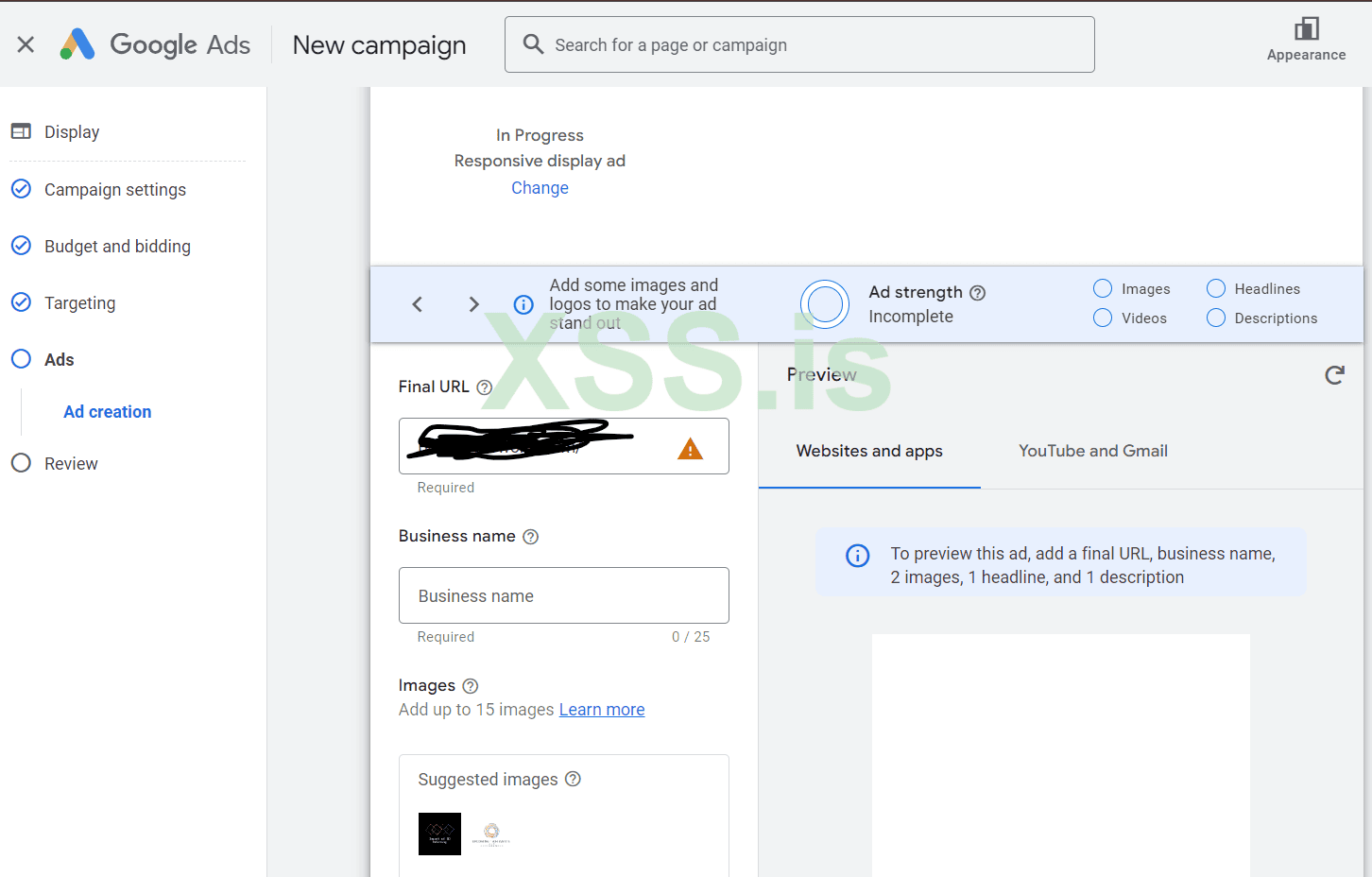
I see a lot of users getting issues here so i will start from here
In business name section you can write any name
then you have to upload minimum 15 images make sure to follow all the sizes which given
i have uploaded 12 images to show and i got blue tick you have to follow all the requirements and as much as you tell about your website or brand as more results you will get
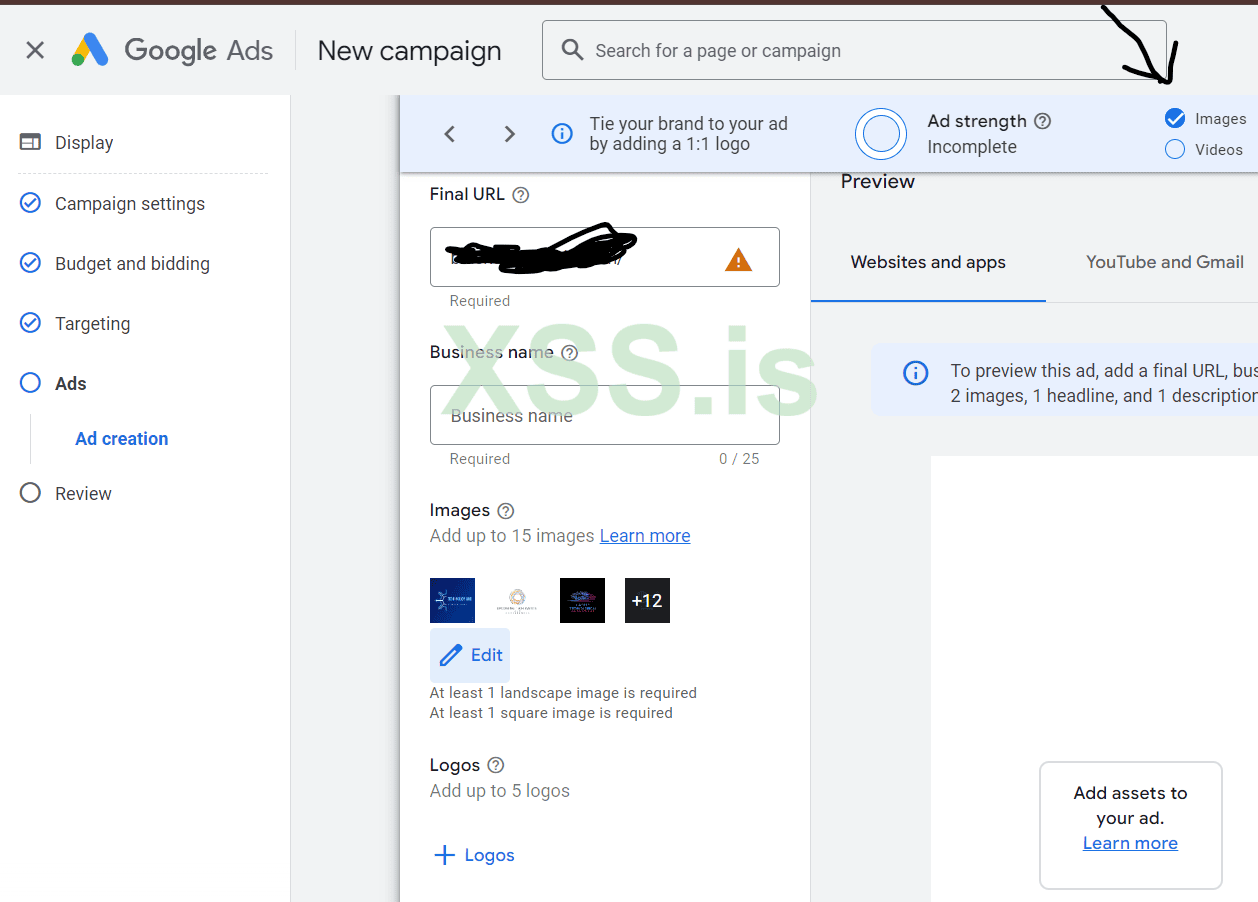
i have mention with black arrow after uploading images it showing blue ticks on images
Now have to upload logo you can upload logo of your own website brothers add up to 5 logos recommended from me
Now move to video section that's important because in display ads your ads will be run on websites and apps as well as on you tube so create an amazing short videos (depends on your niche may be you have choose game cheat sheet and at the end also providing things , may be its vans crack games or antiviruses make sure to don't use any illegal word in your ads like crack hack etc.)
for videos you have many options you can create an short videos from Canva or you can also directly create an video in ads section where you trying to upload
Lets move to Headline Section
In this section we will use chatgpt to generate high value headlines
also in this section you have to write short headline upto 30 words
open chatgpt
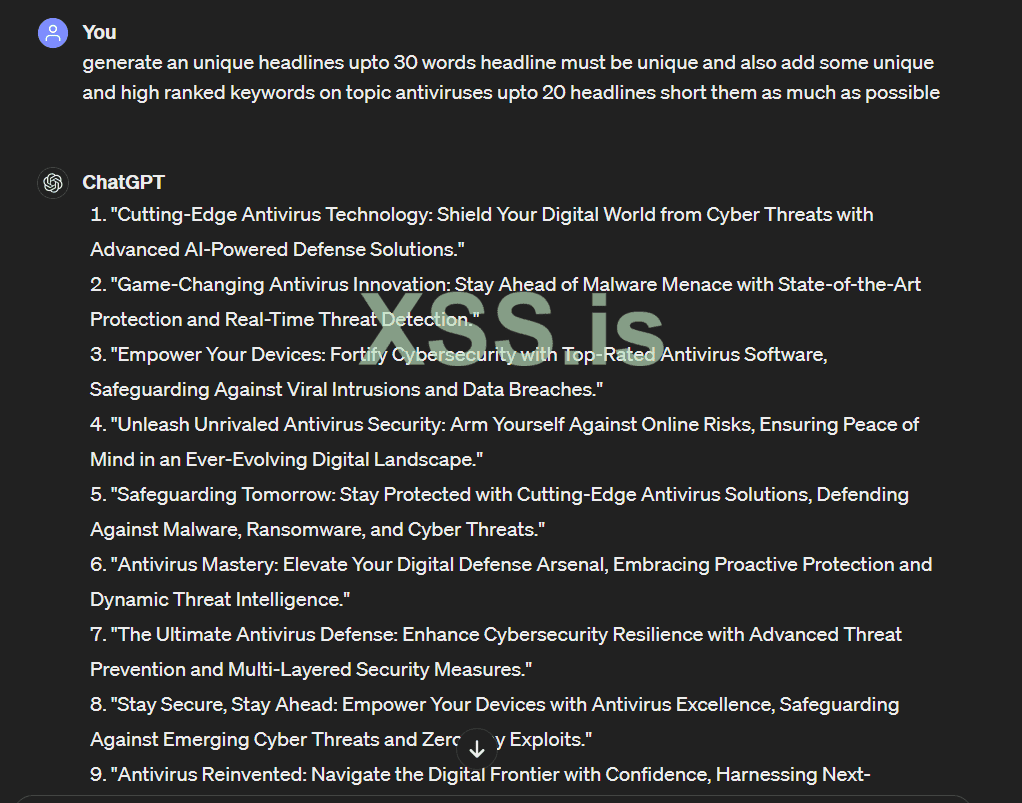
Now from here more short them get your unique words which you think the users will click on them
you guys can create an better prompt then me no doubts
and you also can generate an description from prompts
After Complete all you will see blue ticks on all 4 sections 1 images 2 videos 3 headline 4 Description And your ads Strength
Then Click On Next Review your campaign recheck your daily budget
So we completed here Display ads
As i tell you in website traffic you will get 5 type of ads option from this we have covered one display ads
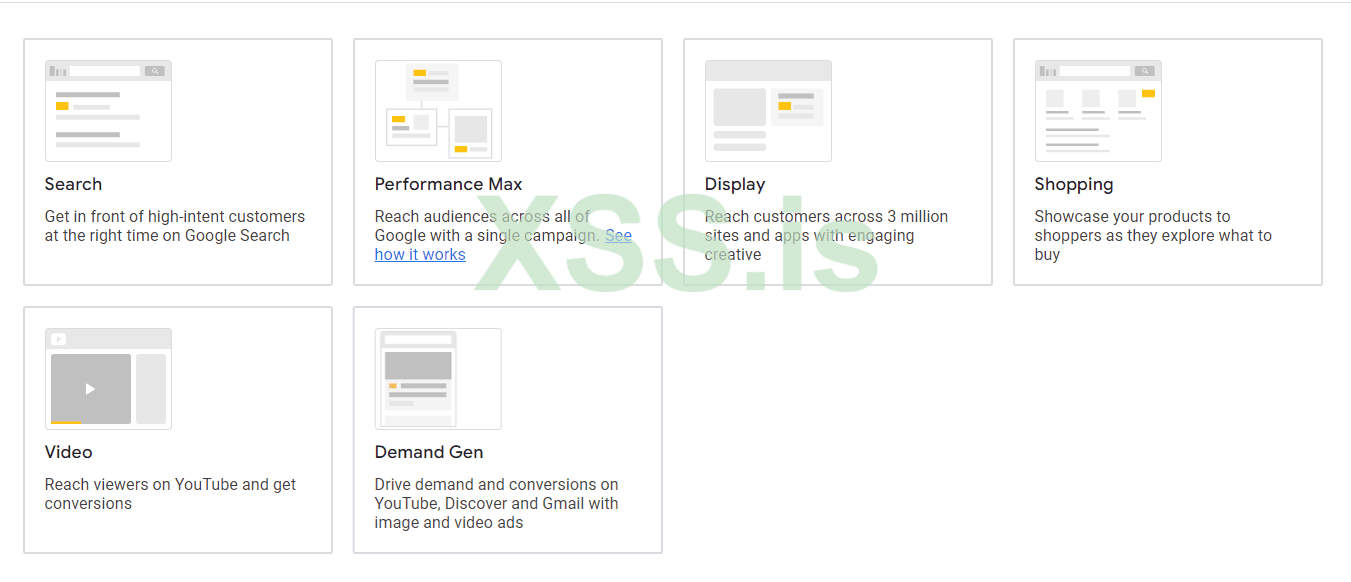
NOW WE CAN MOVE TO SEARCH ADS
Again Click On Create Click Campaign
Choose website Traffic
Click Continue
Select Search ads
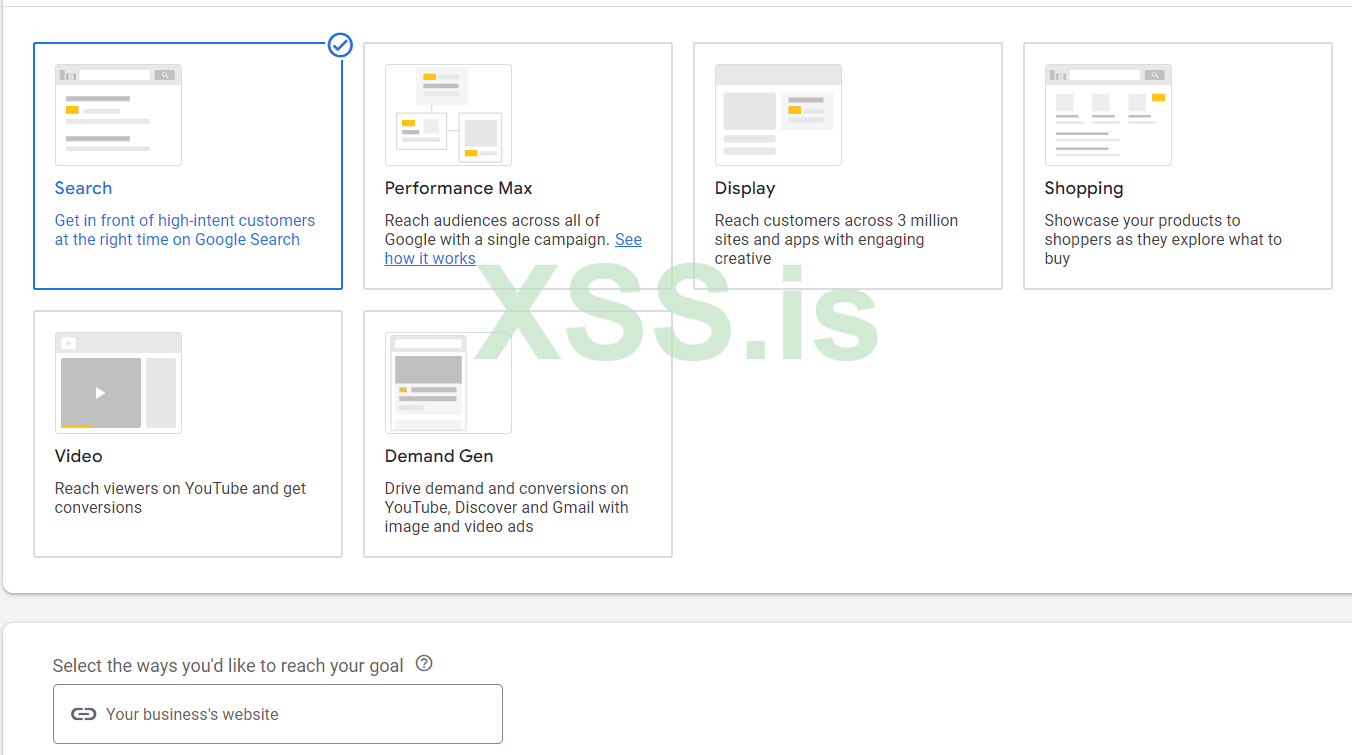
Add your website url
click continue
give random name of campaign not much important
In Bidding Section choose Conversions and if you using traffic for your google AdSense then choose clicks
Then Set target cost per action (cost per action mean how much you want to pay to a single person who click set a bid like 0.30 or 0.40 something according to your pocket size and targeted country
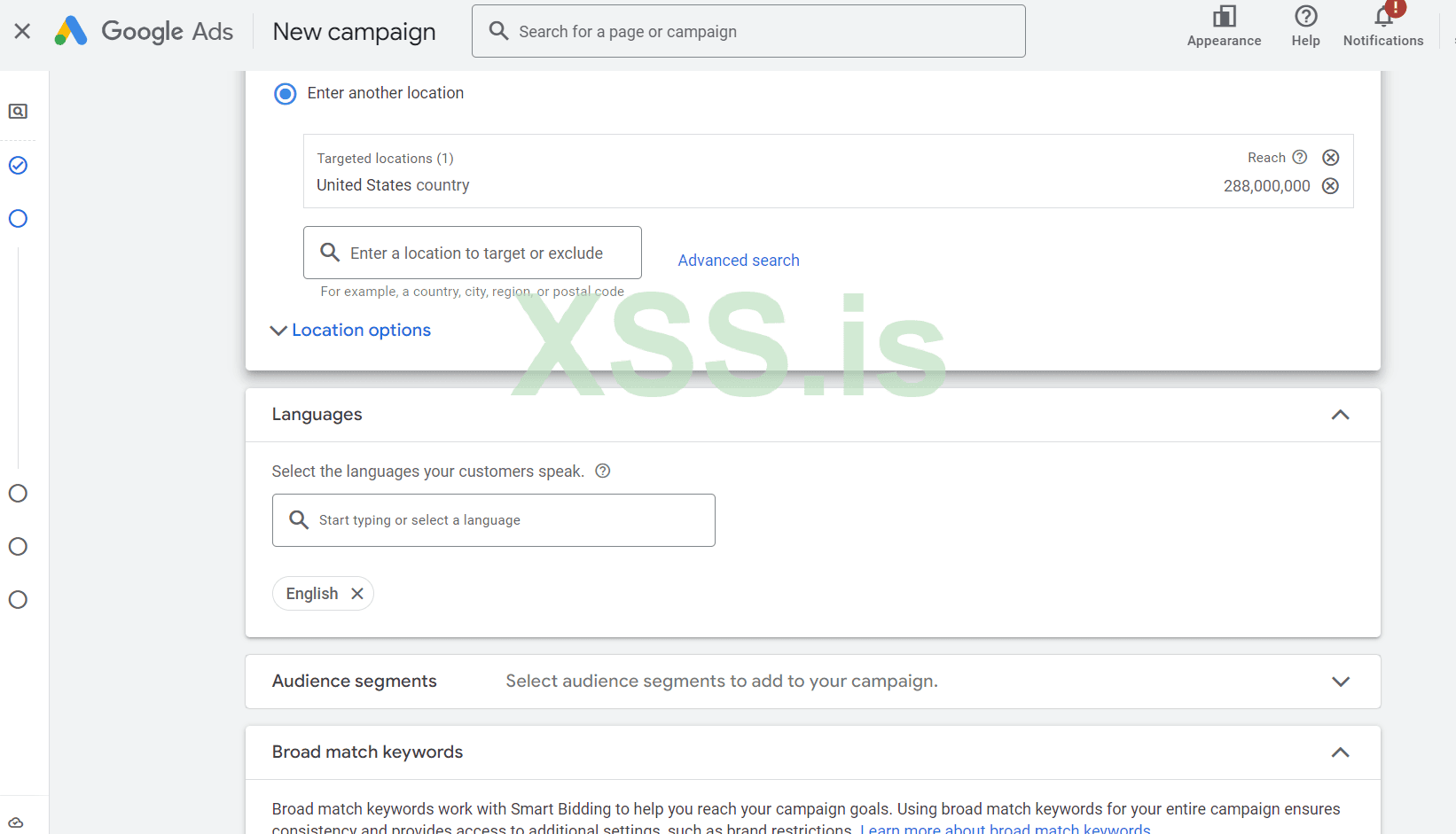
Again choose your targeted country for my self i have selected us
language English and if you have choose any other country then you can add different languages
then next
Now Its Important Section
you Whole conversions and traffic will be based on this section
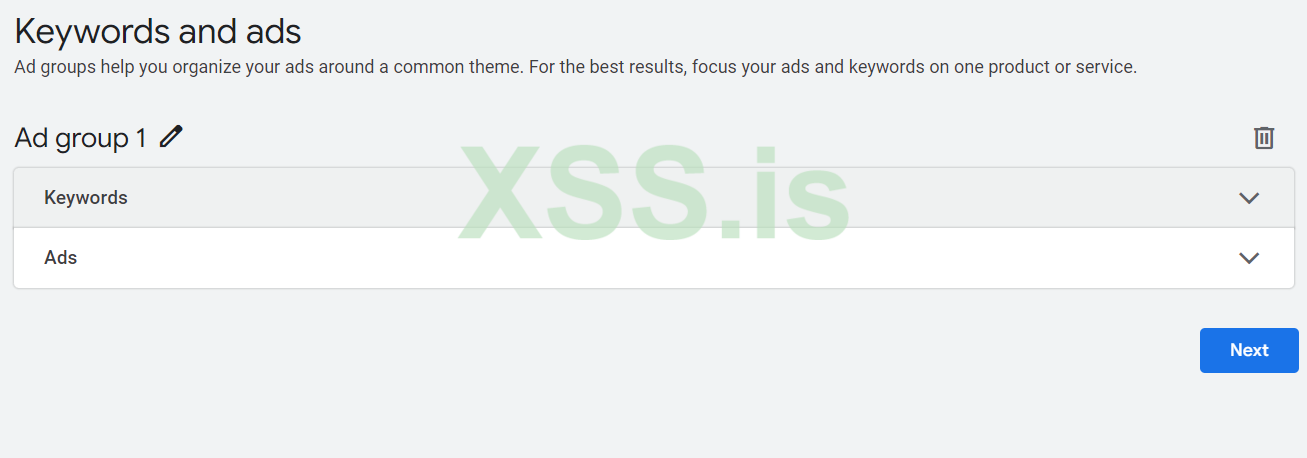
You can use again chatgpt
you can add your own keywords you can use any keyword planner to check your keyword
or directly you can use ai which given on right side tell them what you offering in your ads or in website it will generate keywords for you
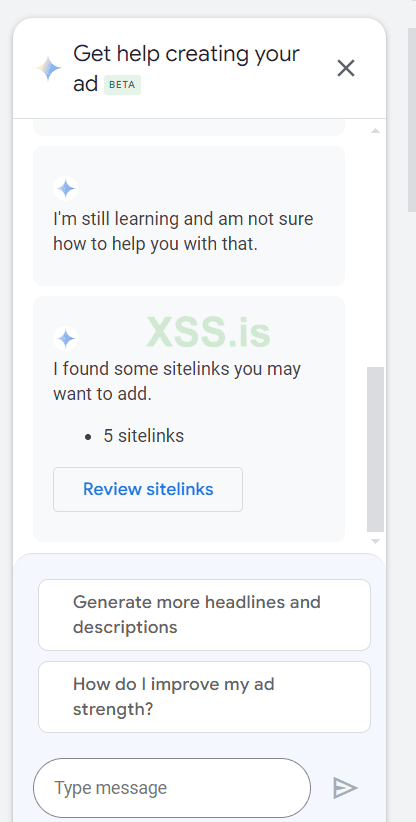
scroll down you will get option to use final url
here you can post the main url or an particular post link where you want traffic
Again have to add Headlines
have to popular keywords
have to add unique headlines (long)
have to add description
minimum headlines guys you have to add 8
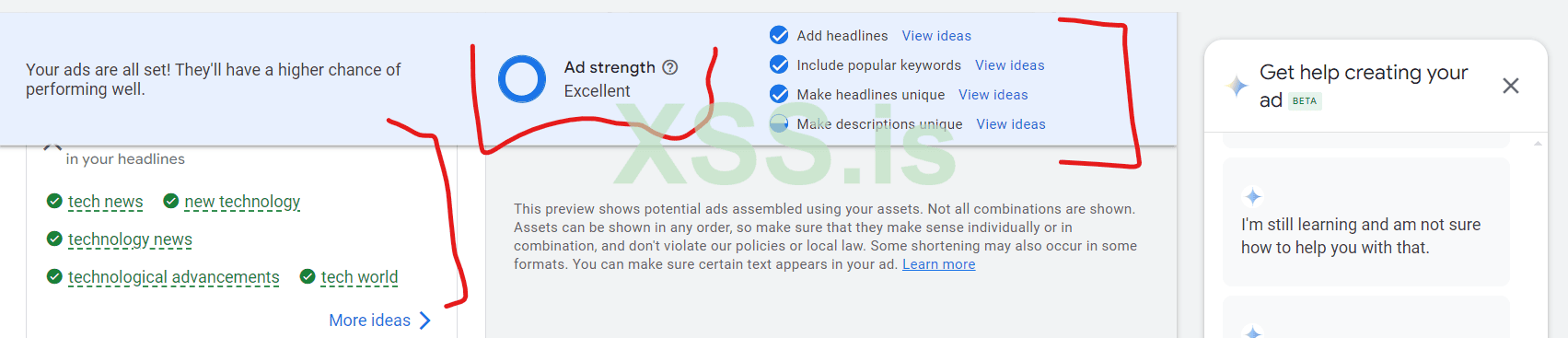
you guys can check ad strength keywords headline and popular keywords we still make them more perfect but i am writing articles and have to give you ideas you can implement them in more fantastic ways
Then Click On next And Select daily budget
if needed also add timing of start and end your campaigns
Then click next
again review your ads
check everything and click on next
Your ads would be live i 24 hours if you using new account of google ads
may be after approval start getting conversions in few hours may be up to one week but definitely you will get
make sure while running ads don't upload any illegal content on your website don't use any illegal keyword in your ads
patience and practice is the key of success
we have covered display ads and search ads in GOOGLE ADS
on next blog we will cover max performance ads
if you have any questions you can text on forum
thanks for reading.
I am writing this blog only for xss.pro and there members
What We W ill Cover
I in part 2 i will answerer a lot of questions which ask by xss users
On the request of users i will continue from the last point
we will cover one more ads type called search ads
and in the end we also can discuss some faqs
I see a lot of users getting issues here so i will start from here
In business name section you can write any name
then you have to upload minimum 15 images make sure to follow all the sizes which given
i have uploaded 12 images to show and i got blue tick you have to follow all the requirements and as much as you tell about your website or brand as more results you will get
i have mention with black arrow after uploading images it showing blue ticks on images
Now have to upload logo you can upload logo of your own website brothers add up to 5 logos recommended from me
Now move to video section that's important because in display ads your ads will be run on websites and apps as well as on you tube so create an amazing short videos (depends on your niche may be you have choose game cheat sheet and at the end also providing things , may be its vans crack games or antiviruses make sure to don't use any illegal word in your ads like crack hack etc.)
for videos you have many options you can create an short videos from Canva or you can also directly create an video in ads section where you trying to upload
Lets move to Headline Section
In this section we will use chatgpt to generate high value headlines
also in this section you have to write short headline upto 30 words
open chatgpt
Now from here more short them get your unique words which you think the users will click on them
you guys can create an better prompt then me no doubts
and you also can generate an description from prompts
After Complete all you will see blue ticks on all 4 sections 1 images 2 videos 3 headline 4 Description And your ads Strength
Then Click On Next Review your campaign recheck your daily budget
So we completed here Display ads
As i tell you in website traffic you will get 5 type of ads option from this we have covered one display ads
NOW WE CAN MOVE TO SEARCH ADS
Again Click On Create Click Campaign
Choose website Traffic
Click Continue
Select Search ads
Add your website url
click continue
give random name of campaign not much important
In Bidding Section choose Conversions and if you using traffic for your google AdSense then choose clicks
Then Set target cost per action (cost per action mean how much you want to pay to a single person who click set a bid like 0.30 or 0.40 something according to your pocket size and targeted country
Again choose your targeted country for my self i have selected us
language English and if you have choose any other country then you can add different languages
then next
Now Its Important Section
you Whole conversions and traffic will be based on this section
You can use again chatgpt
you can add your own keywords you can use any keyword planner to check your keyword
or directly you can use ai which given on right side tell them what you offering in your ads or in website it will generate keywords for you
scroll down you will get option to use final url
here you can post the main url or an particular post link where you want traffic
Again have to add Headlines
have to popular keywords
have to add unique headlines (long)
have to add description
minimum headlines guys you have to add 8
you guys can check ad strength keywords headline and popular keywords we still make them more perfect but i am writing articles and have to give you ideas you can implement them in more fantastic ways
Then Click On next And Select daily budget
if needed also add timing of start and end your campaigns
Then click next
again review your ads
check everything and click on next
Your ads would be live i 24 hours if you using new account of google ads
may be after approval start getting conversions in few hours may be up to one week but definitely you will get
make sure while running ads don't upload any illegal content on your website don't use any illegal keyword in your ads
patience and practice is the key of success
we have covered display ads and search ads in GOOGLE ADS
on next blog we will cover max performance ads
if you have any questions you can text on forum
thanks for reading.